
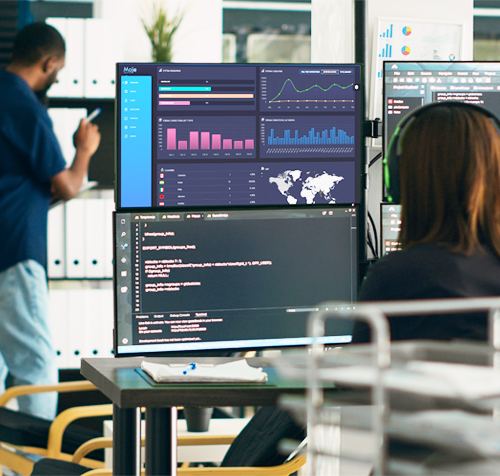
Update your Mojocp.
This guide provides step-by-step instructions for updating your licensed Mojocp video platform software installation to a newer version. When you update Mojocp, your current installation is automatically backed up.
- Login to MojoCP platform.
- You can access this feature at dashboard > Update.
- Review the available updates.
- In Mojocp click Update to start.
- Do not refresh or leave the update page until it is completed.

consult with team.
If you are unsure how to proceed with the Mojocp update installation or have any questions before proceeding and require assistance, please get in touch and our expert support team will be able to assist you. Our support team is readily available to assist you 24/7.
- Visit our support center.
- Select Tech Support & Assistance.
- Choose the topic Upgrading.
- Submit your request.

schedule your update.
Connect directly with our support team if you would like to schedule your Mojocp update with assistance from one of our expert staff. When scheduling your update, you can select a date and time that’s best suits your schedule.
- Visit our support center.
- Select Tech Support & Assistance.
- Choose the topic Schedule upgrading.
- Submit your request.
Self Help Resources.
Get the help you need faster with your online guides and documentation.
- Frequently Asked Questions.
- Video Tutorial.
- Knowledge Base.
- Mojocp Blog.
