
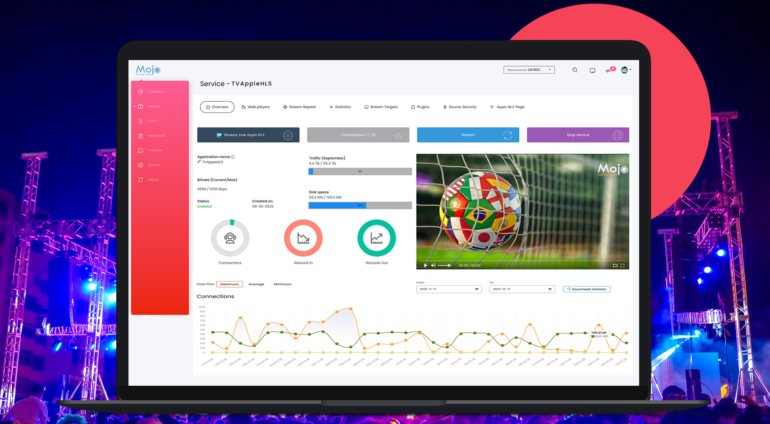
Apple HLS
Configure Apple HLS to publish and play an Apple HLS live stream with MojoCP.
Live stream from an HLS-based source and play the live stream over multiple streaming protocols.
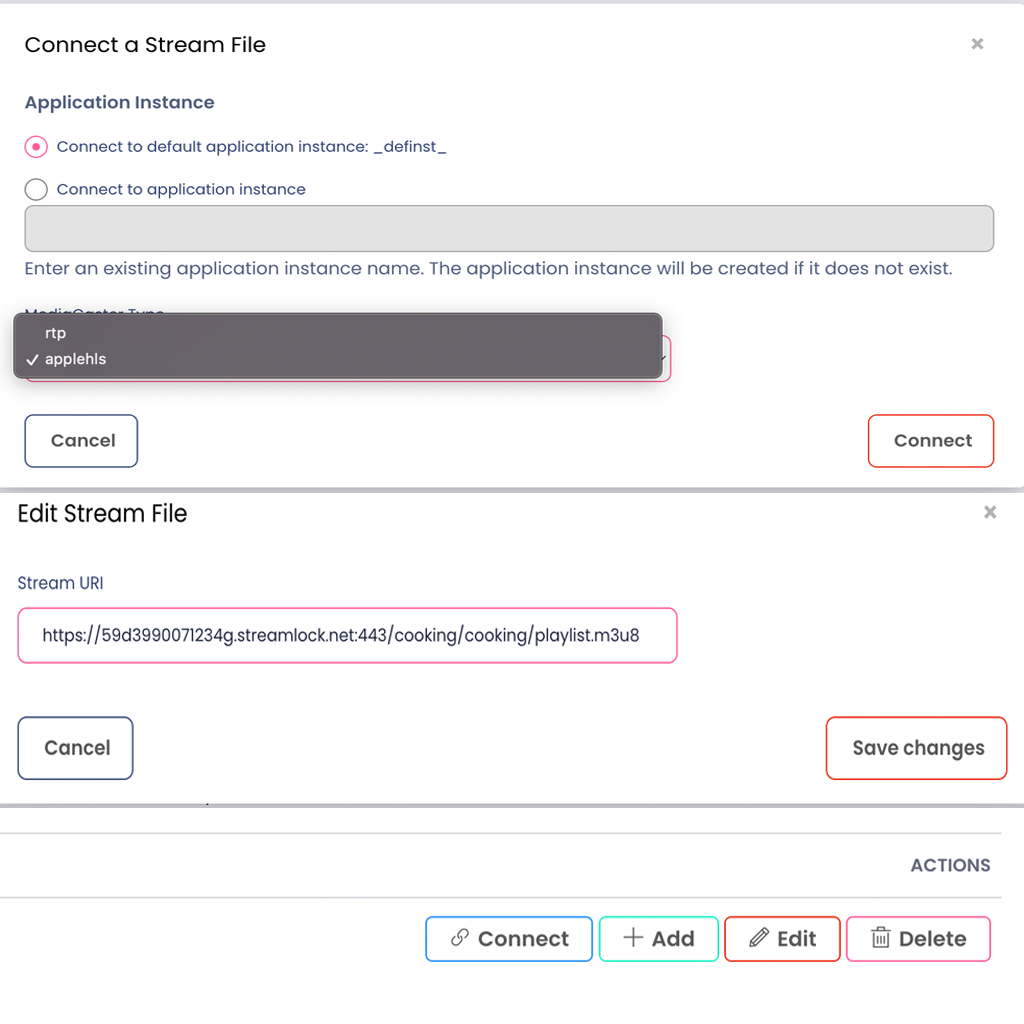
Configure Apple HLS
Before connecting a live source and publishing a live stream, complete the following steps to configure playback support for your application.
- Create new stream.
- Enter the name of your Apple HLS stream.
- Type in the stream URL of your Apple HLS.
- Click Add to apply the Apple HLS.
Connect a Stream File
MojoCP automatically configure and connect your stream file to the default application instance.
To apply the configurations select the media caster type “applehls” click on the “Connect” Button to complete this action.
Add to Startup Streams
When the server starts, the MediaCaster system can pull streams from these sources automatically and make them available for streaming to all player technologies supported by the server. These streams must be identified in a Startup Streams list.To apply the startup click on the “Connect” Button to complete this action.
Video Tutorial
