MojoCP Documentation
-
For Resellers
-
-
For Clients
-
-
WHMCS Integration
Table of Contents
< All Topics
Print
Posted
Updated
Byadmin
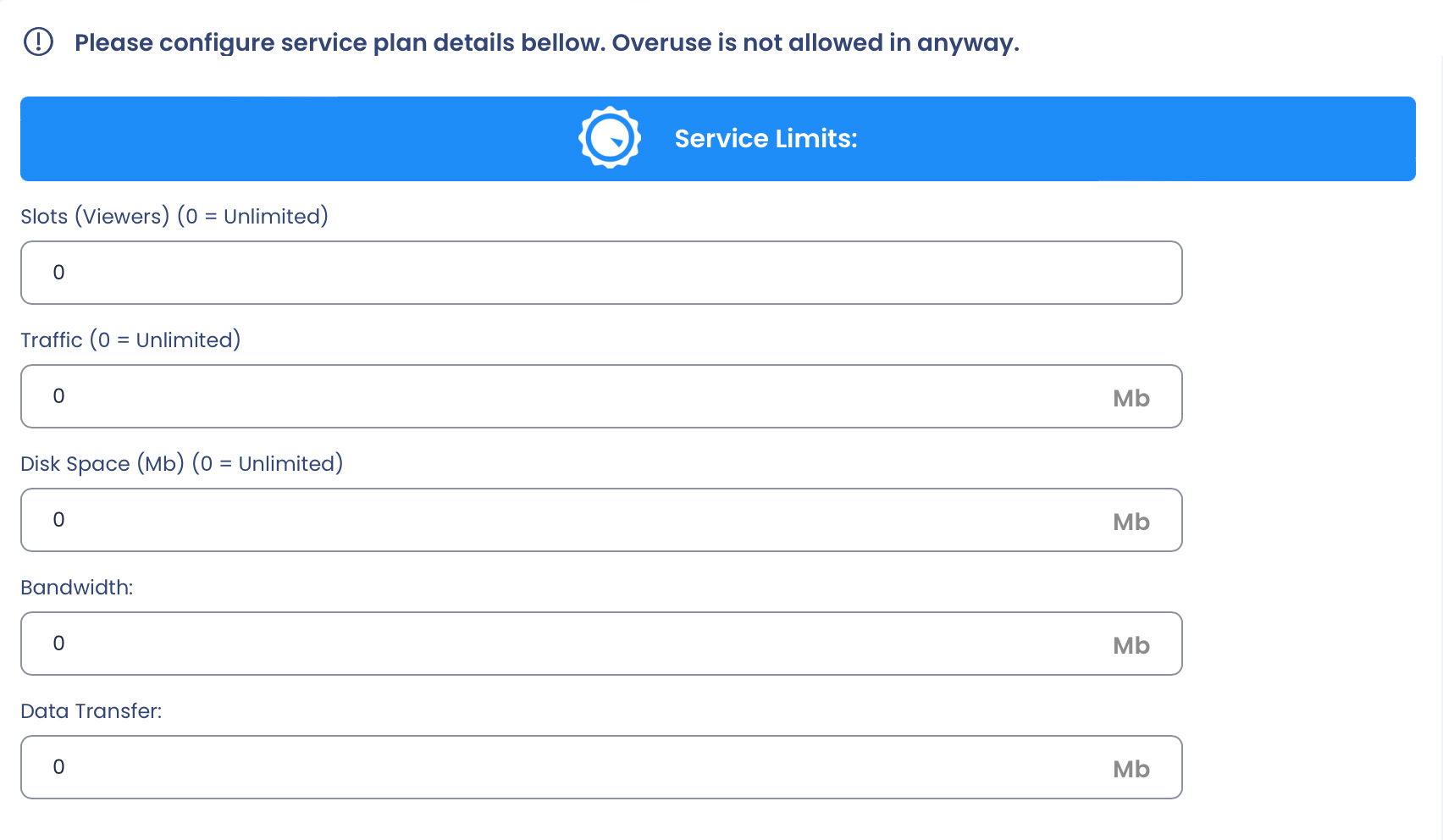
Service Limit:
- Slot Viewers: Enter the total number of viewers that you want to assign to the application.
- Traffic: Enter the monthly amount of traffic that you want to assign to the application.
- Disk Space: Enter the maximum disk space usage, in MB, for the VOD and CloudTV Station applications. For live streaming, you can set a minimum of 50MB.
- Bandwidth: Enter the maximum bandwidth, in MB, that the application can use in a monthly basis.
- Data Transfer: Enter the data transfer, in MB, that the application can use in a monthly basis.
Please note: that the values for viewers, traffic, disk space, bandwidth, and data transfer can be set to 0, which indicates unlimited. However, it is important to check your reseller account limit before assigning these values, as exceeding the limit of your reseller plan the plan will not be created.
To review your reseller account limits, navigate to the Stream Plan page and scroll to the bottom. Your account limits will be displayed there. If you have any questions or concerns about your account limits, please contact customer support for assistance.