-
For Resellers
-
-
For Clients
-
-
WHMCS Integration
About MojoCP Source Security
MojoCP Source Security is a powerful security feature that provides users with the ability to safeguard their broadcast streams from unauthorized access and tampering. The Source Security tab allows users to configure a range of security options that ensure the privacy and authenticity of their streams.
Users can choose to secure their streams using secure protocols such as HTTPS, RTMPS, and RTSP. Additionally, they can enable authentication mechanisms such as password protection and IP whitelisting to prevent unauthorized access. They can also choose to encrypt their streams using advanced encryption standards, such as AES-128 or AES-256, to protect their content from tampering and eavesdropping.
Playback Security
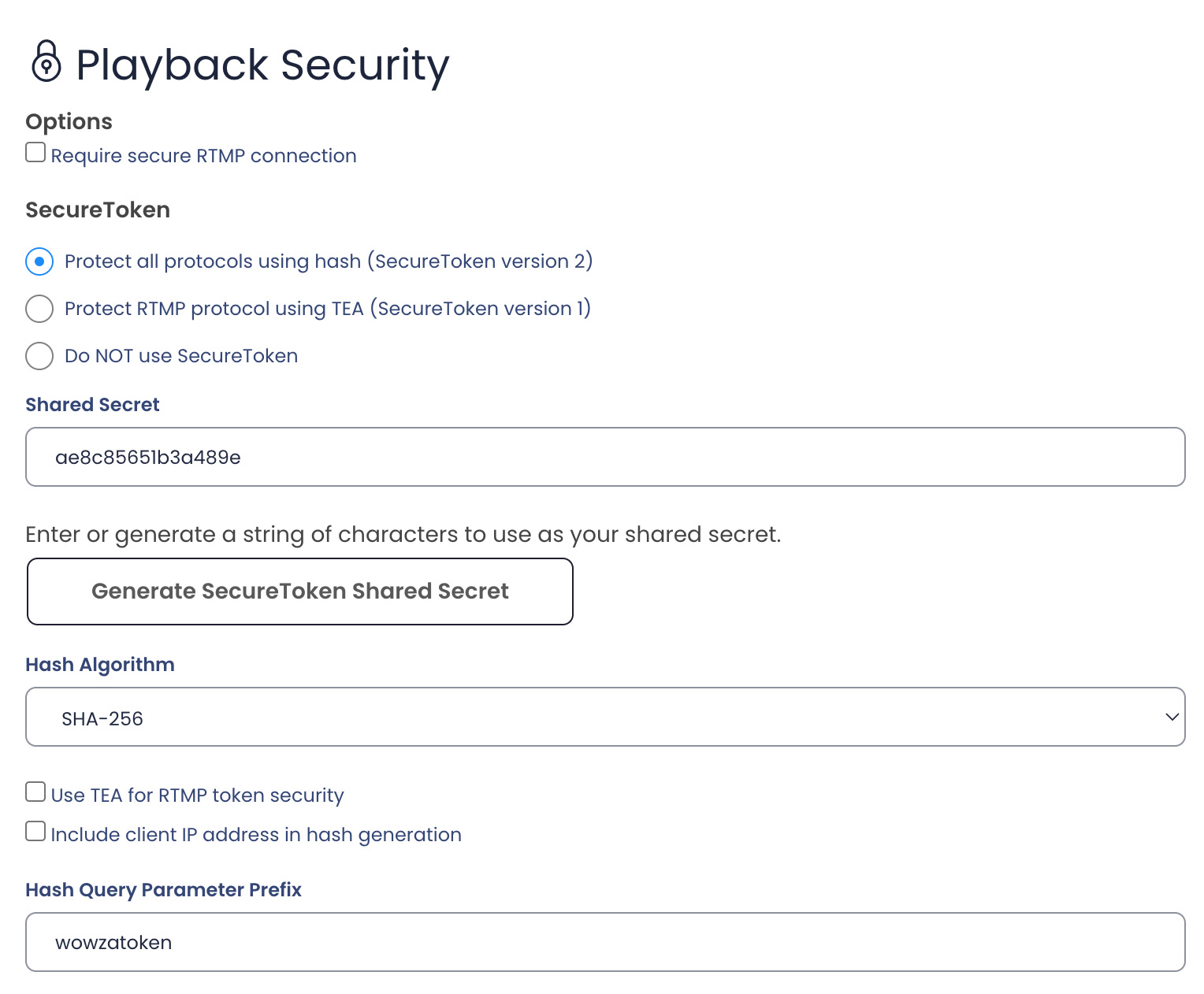
SecureToken playback protection for all supported streaming protocols and includes hashing options for generating the security token that’s exchanged between Wowza Streaming Engine and its clients. SecureToken is a challenge/response system that helps to protect content against spoofing threats. Each connection is protected by a random key (hash) and a password (shared secret).
Client Restrictions
To manage playback connections from clients at specific IP addresses, select one of the following options:
To allow connections from specific IP addresses, select Only allow playback from the following IP addresses and then enter the allowed IP addresses as a comma-separated list in the box.
To prevent connections from specific IP addresses (allowing all others), select Do NOT allow playback from the following IP addresses and then enter the restricted IP addresses as a comma-separated list in the box.
Referer Validate
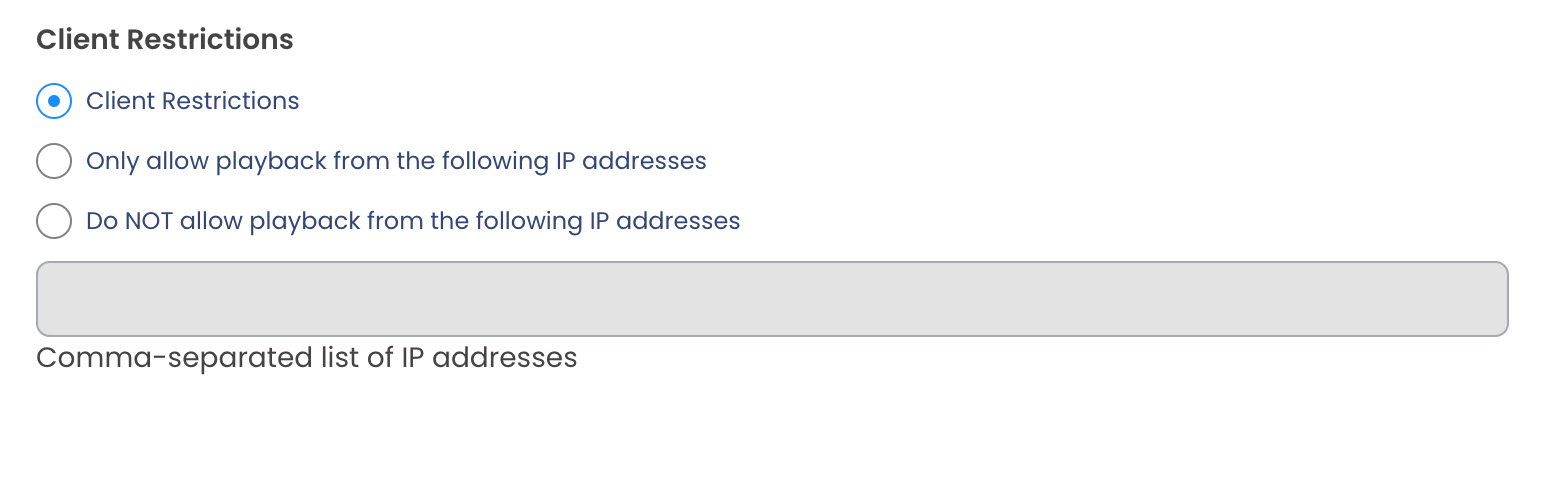
Control access to your application by checking referer domain with a Wowza Streaming Engine.
Enter domain names of the websites you will publish your video on to lock the player to these sites.
For example, *example.com,*mydomain.com
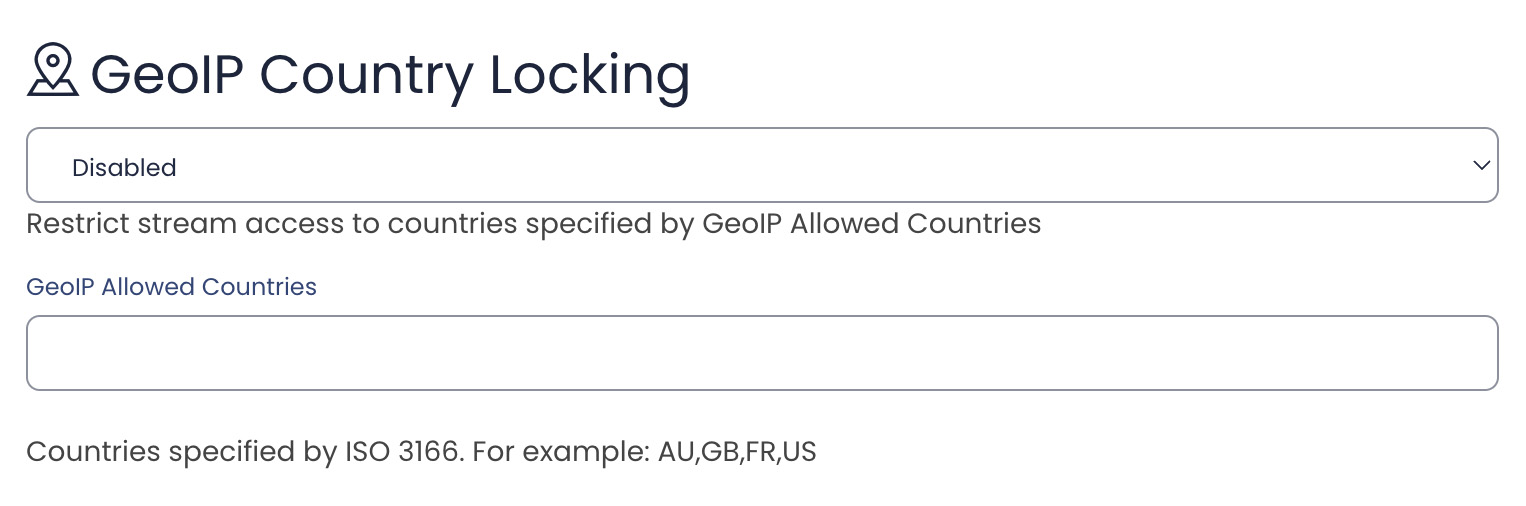
GeoIP Country Locking
GeoIP AddOn enables IP addresses to be checked against a IP geolocation (GeoIP) lookup service or database so that you can lock RTMP, HTTP, and RTSP connections to Wowza Streaming Engine™ from IP addresses in specified countries. Countries specified by ISO 3166. For example: AU,GB,FR,US
Source Security
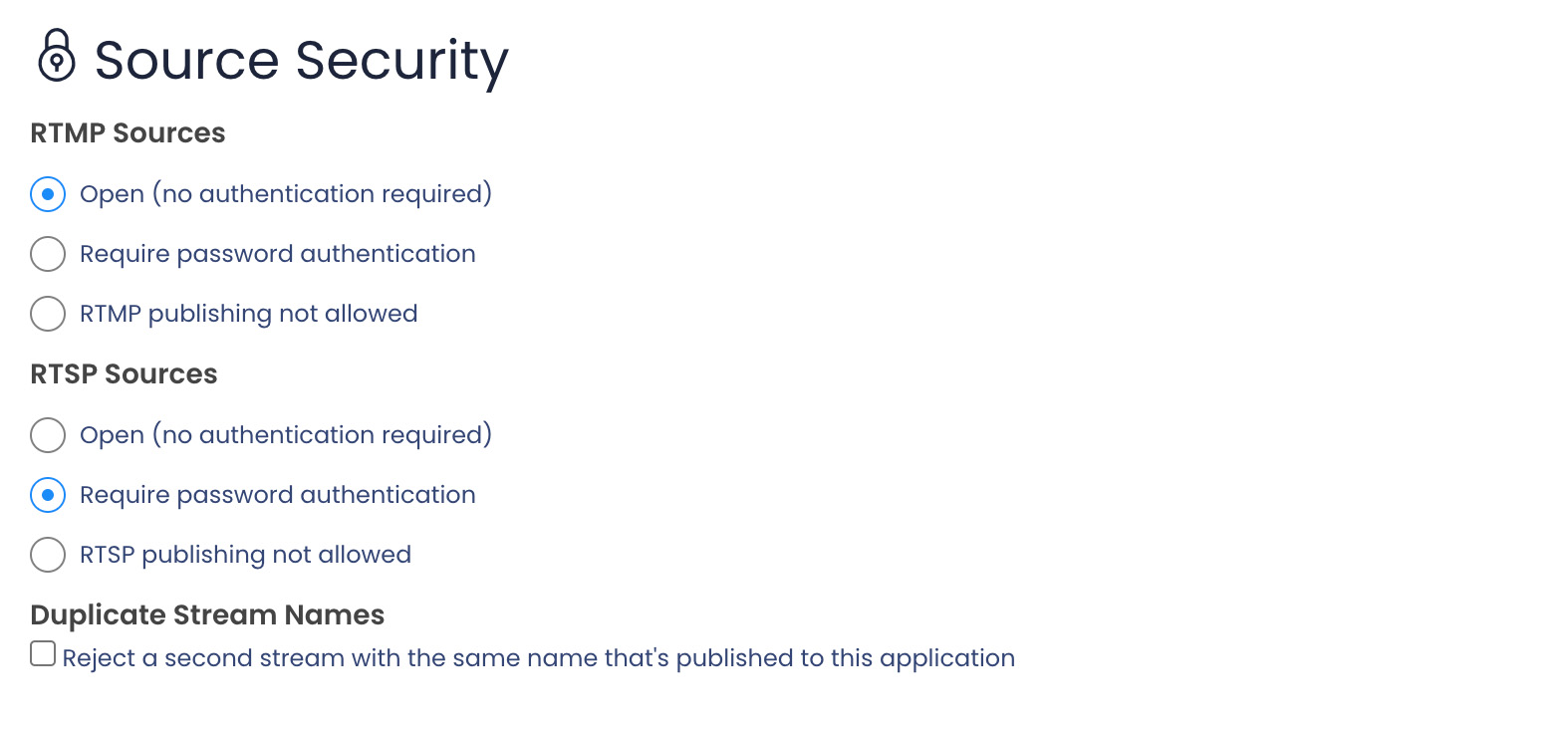
RTMP Sources
Use these options to manage source connections to this application over the RTMP protocol (for example, from RTMP-based encoders).
To help secure the connection, the Require password authentication option is selected by default.
Select Open to enable RTMP-based sources to connect without requiring authentication or select RTMP publishing not allowed to block all connections from RTMP-based sources.
RTSP Sources
Use these options to manage source connections to this application over the RTSP/RTP protocol. These options apply to encoders that initiate connections to the application using the RTSP Announce method. To help secure the connection, the Require password authentication option is selected by default.
Select Open to enable RTSP-based sources to connect without requiring authentication or select RTSP publishing not allowed to block all connections from RTSP-based source
Duplicate Stream Names
If an RTMP stream is published to this application and a connection is made to publish a new RTMP stream with the same stream name, you can select this option to prevent the new stream from being published. Otherwise, clients that were playing the initial stream will play the new stream after it’s published.