
MojoCP Documentation
-
For Resellers
-
-
For Clients
-
-
WHMCS Integration
Table of Contents
< All Topics
Print
Posted
Updated
Byadmin
Use a light or dark appearance on your MojoCP
What Is Dark or Light Mode: On the other hand, a Dark Mode on MojoCP refers to a color scheme that uses dark backgrounds and light-colored text, icons, and other graphical user interface elements. In Dark Mode, the text and elements appear to be glowing, which reduces eye strain and is beneficial for low-light environments. The option to switch between Dark and Light Mode is available in the user settings section of MojoCP, allowing users to select the mode that is most comfortable for them. Whether you prefer a bright and cheery interface or a more subdued and calming one, MojoCP has you covered.
On your MojoCP choose setting menu
Select Light, Dark mode.
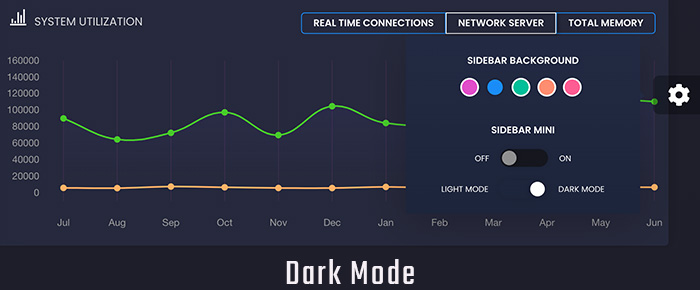
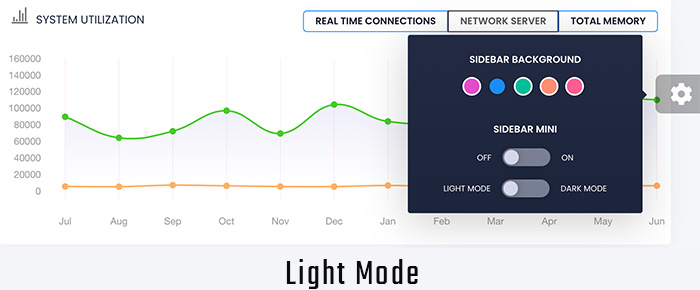
You can also choose an accent colour for menu, buttons, pop-up menus, and other UI controls.
