MojoCP Documentation
-
For Resellers
-
-
For Clients
-
-
WHMCS Integration
Table of Contents
< All Topics
Print
Posted
Updated
Byadmin
Web Video Players
Configure MojoCP web player to send streams to various players and devices for playback.
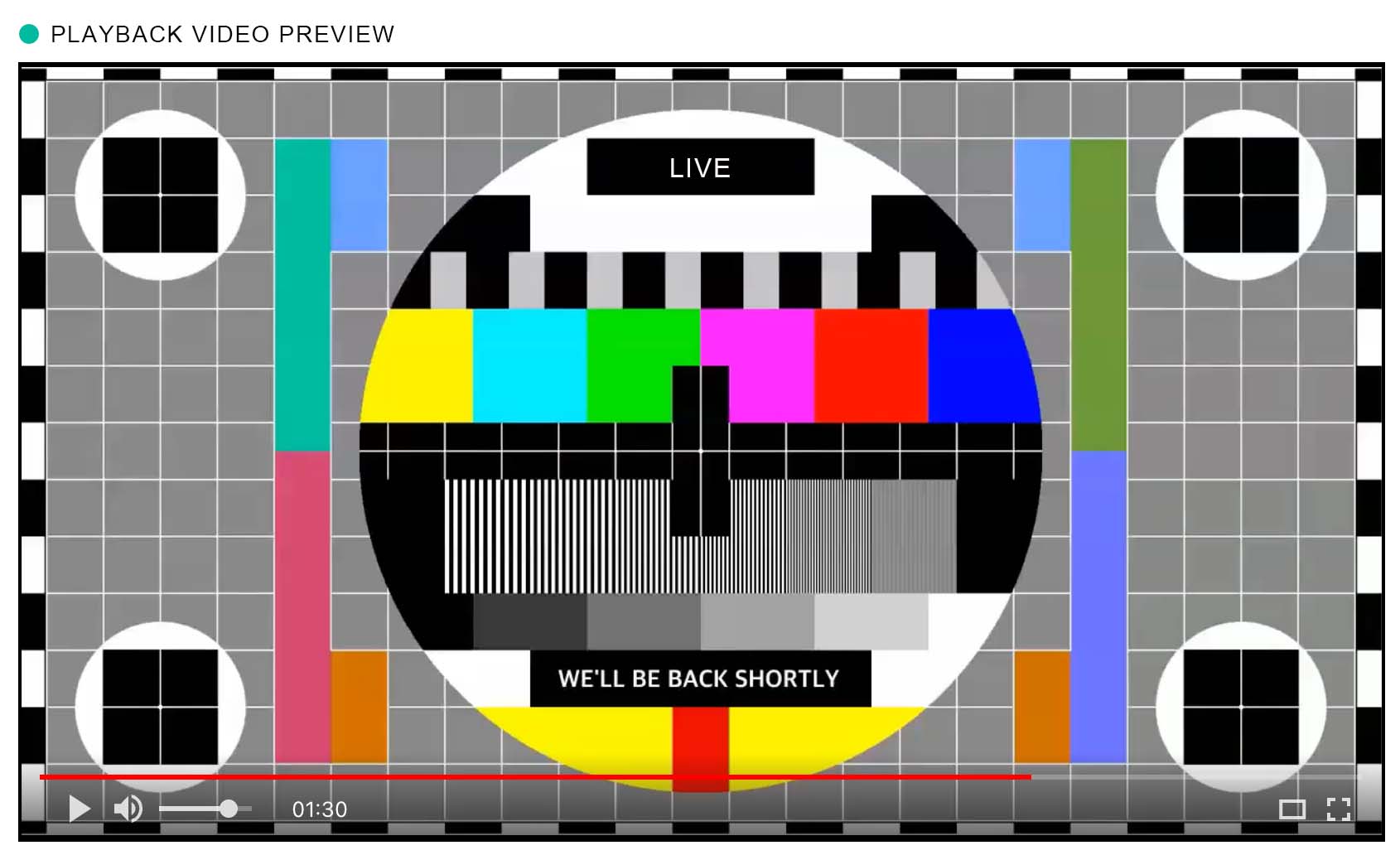
Player builder
Configure a player you can embed on your webpage. Select one of the various players available on MojoCP for playback.
- Log in to your MojoCP account and navigate to the web player tab configuration.
- Select the available players that you want to configure.
- Choose the player theme that you want to use.
- Set the player size to be responsive to different screen sizes.
- Upload or select the logo you want to display on the player. (Note: The logo size should be no more than 128×128).
- Choose the logo position on the player.
- Add a URL for an image to display before the video starts.
- Add a title for the video.
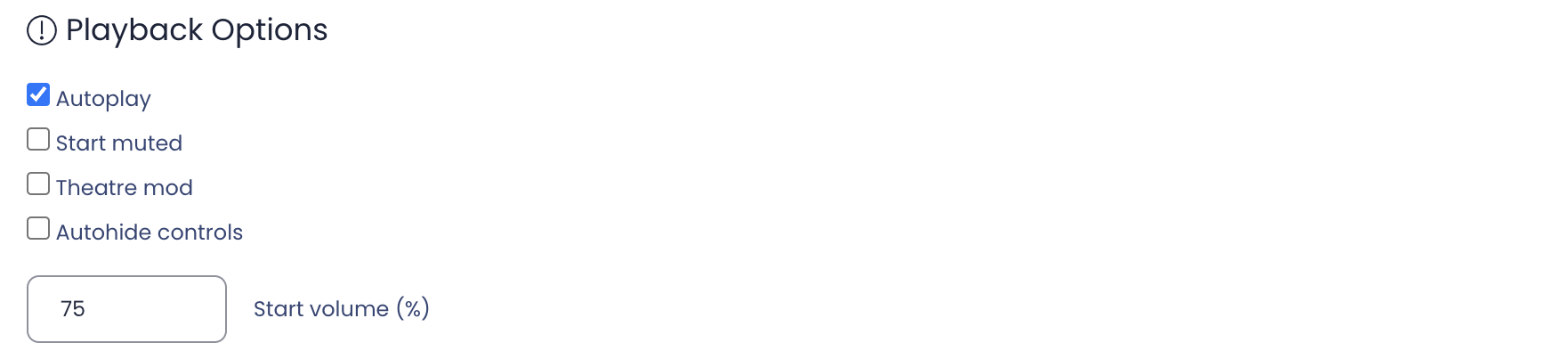
- Choose the playback options for the player.
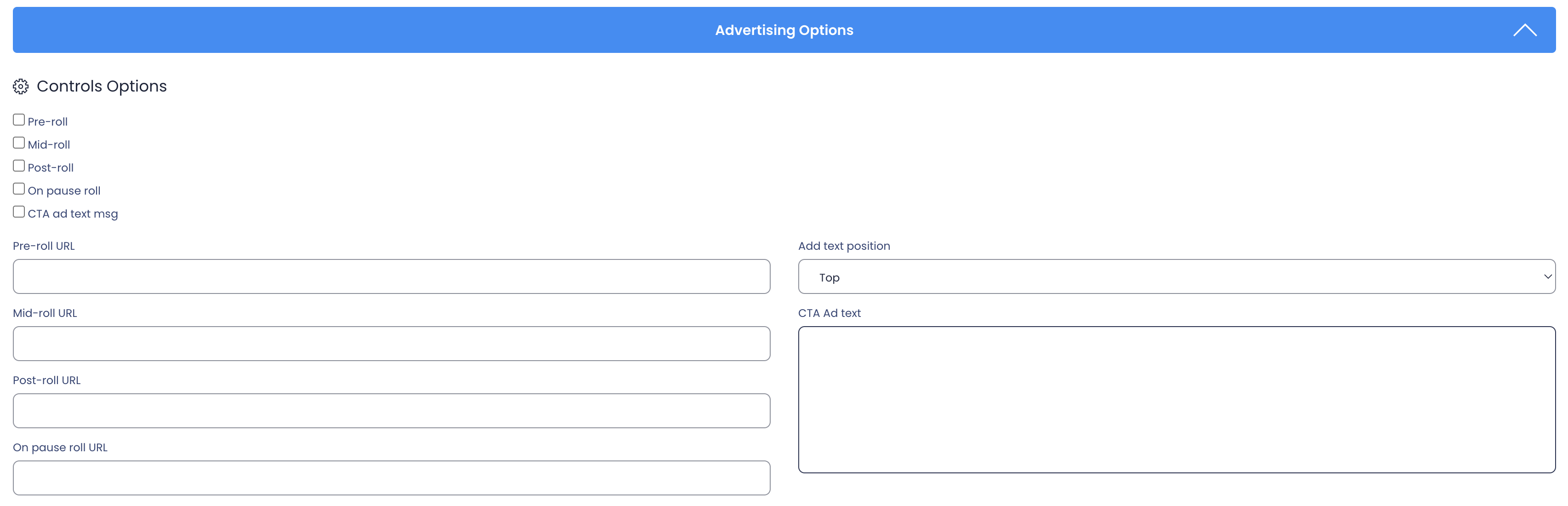
- Use the advertising options, if desired, by adding pre-roll, mid-roll, post-roll, on-pause, and CTA ad text URLs.
- Select the format for embedding the player, from the various options available on MojoCP.