
-
For Resellers
-
-
For Clients
-
-
WHMCS Integration
Videos
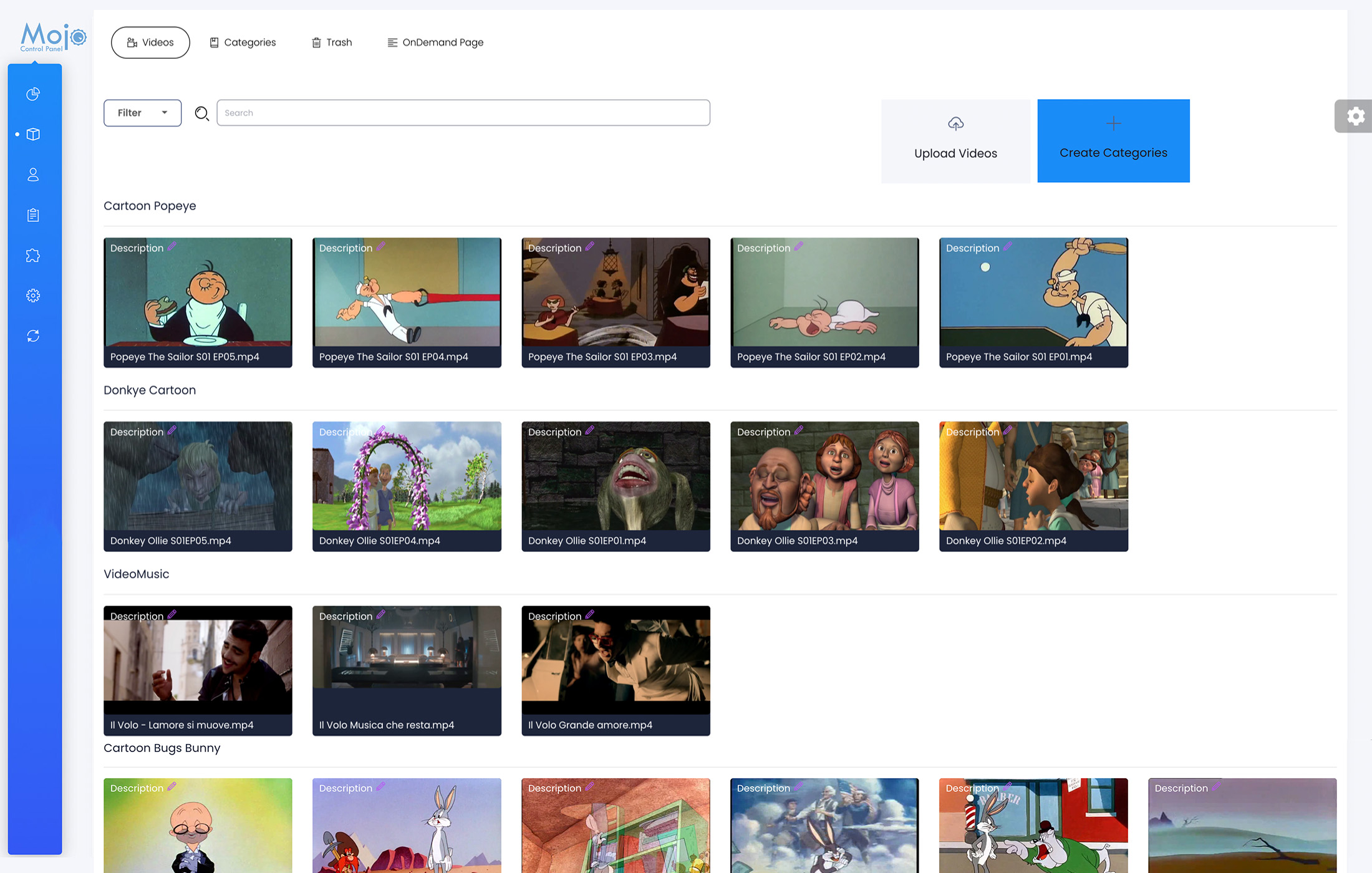
Video on demand refers to a type of video streaming service that allows viewers to access and watch pre-recorded video content at their convenience. On the MojoCP platform, users can access their uploaded videos through the “Videos” tab, where they can organize their content into folders and use filters and search features to easily find specific videos. This enables users to provide their audience with a seamless and customized viewing experience.
Video Description
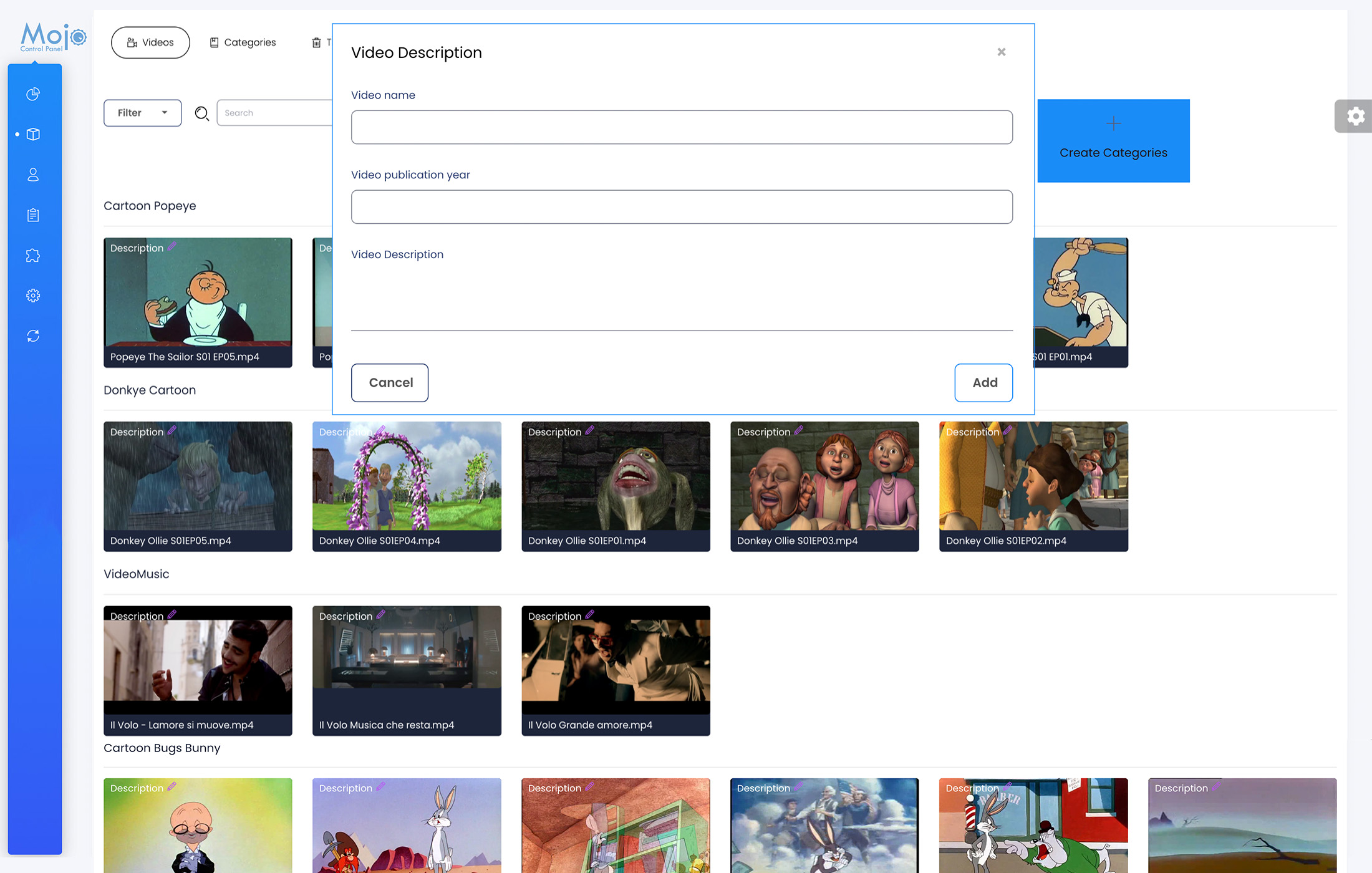
Want to make it easy for your viewers to find and watch your videos? With our Video on Demand, you can insert a video name, publication date, and description, which will be displayed on the OnDemand Video page. This way, your audience will know what the video is about and when it was published, making it easier for them to find and enjoy your content.
- From your overview page, navigate to the On-Demand tab.
- Select the Videos tab.
- Find the video you wish to add a description to and click on the pencil icon located next to the video’s description field.
- In the dialog box that appears, add the video name, publication date, and description in the corresponding fields.
- Click on the “Save” button to save the new video description.
By following these simple steps, you can easily add a description to your on-demand videos, making it easier for your viewers to find and understand your video content.
Coming Soon..
Overview
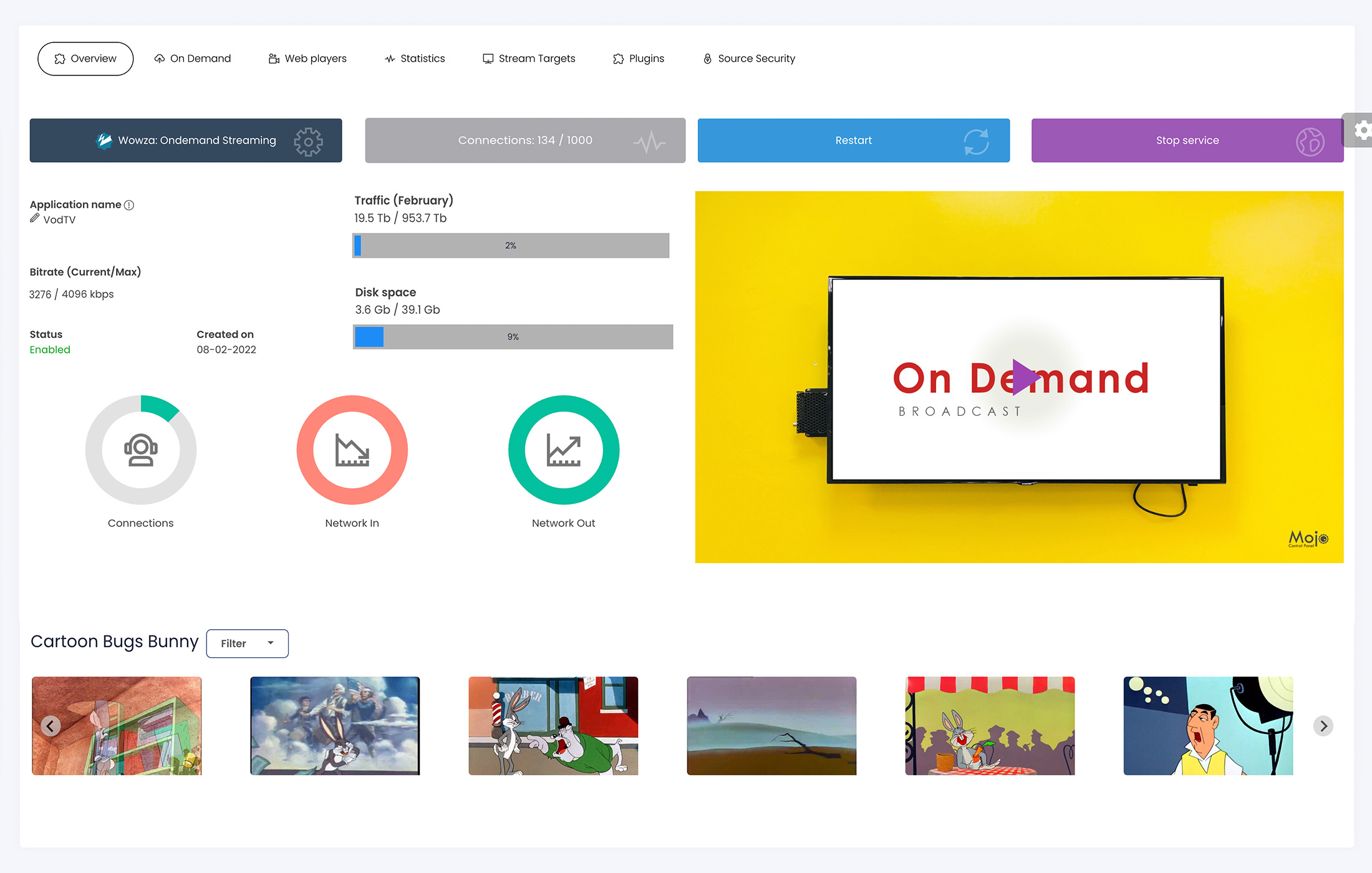
MojoCP is a powerful video on demand tool designed to provide you with complete visibility into the health and performance of your server infrastructure. With MojoCP, you can monitor the status of your server(s) and ensure that your video streaming is functioning properly. Whether you are running a single server or a large-scale deployment, MojoCP makes it easy to track key performance metrics and identify issues before they become major problems. With real-time alerts and comprehensive reporting, MojoCP is the ultimate solution for managing your video on demand service.
For detailed reference information regarding the overview of your live stream, please consult the: Reference Stream Overview
