-
For Resellers
-
-
For Clients
-
-
WHMCS Integration
Filtering
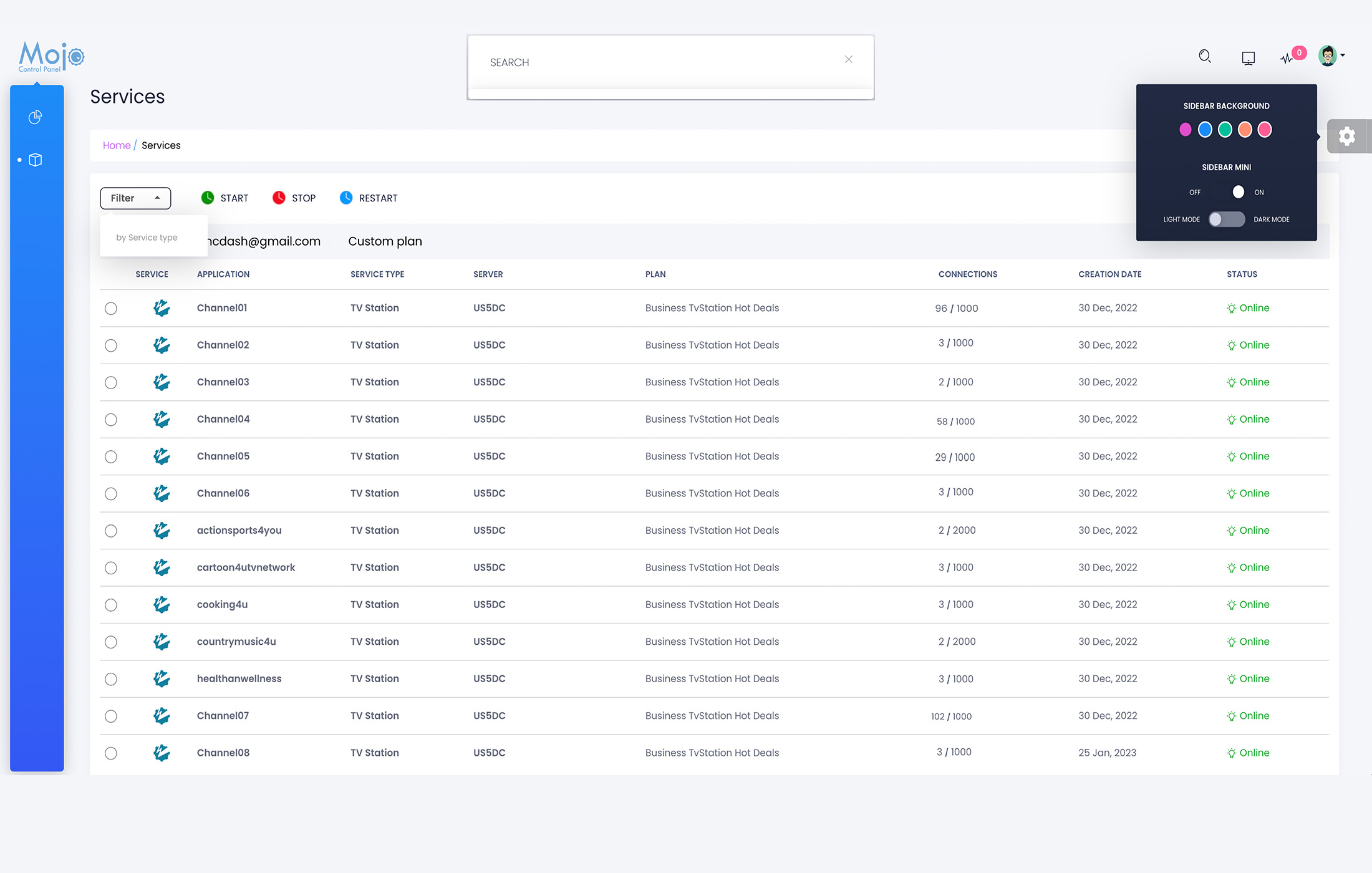
To filter the service list in MojoCP, you can click on the Filter button located on the toolbar. This will open up a drop-down menu with various filtering and search options. You can use these options to refine the list of services based on specific criteria.
The available filtering options in MojoCP include filtering by server status and service type. For example, you can filter the list of services to show only those that are currently active or offline. You can also filter the services by type, such as streaming, storage, or CDN services.
Using the filtering feature can help you quickly find the services you need and make it easier to manage your account. Whether you’re a content creator or a business owner, filtering can save you time and help you stay organized.
So, be sure to take advantage of this feature and enjoy a seamless user experience in MojoCP.