
-
For Resellers
-
-
For Clients
-
-
WHMCS Integration
Video Categories
Our Video on Demand platform comes equipped with a powerful categories feature, giving you the ability to easily create and organize your video and commercial content. With this feature, you can create custom categories and sort your content by topics, themes, or any other criteria you choose.
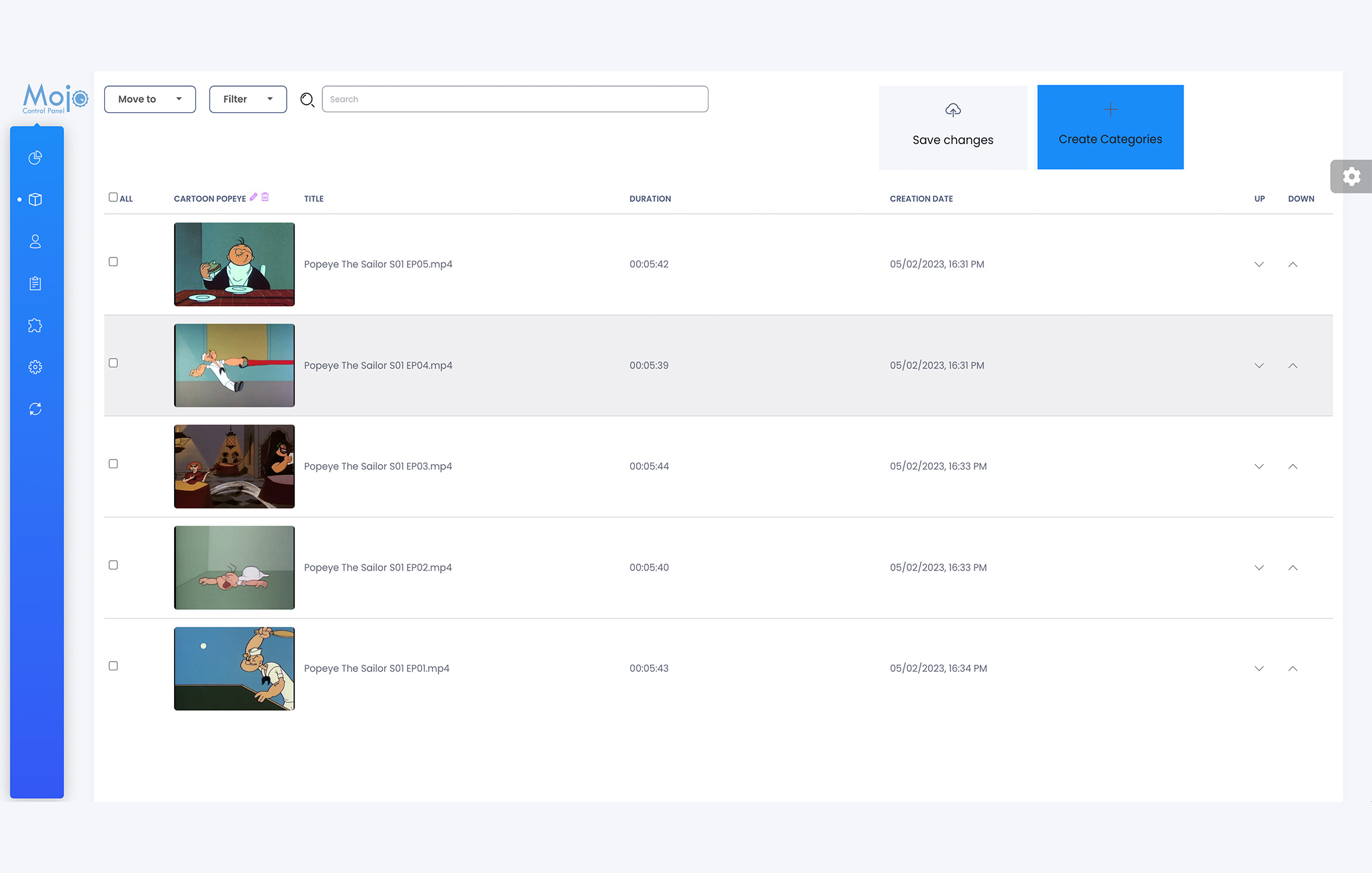
The ‘Move To’ feature allows you to quickly and easily move your selected videos to a different category. This means you can keep your content organized and up-to-date, ensuring that your viewers can easily find the content they are looking for.
With this feature, you can easily manage and update your video library, making it easier for you to deliver a more personalized and engaging experience for your audience. Whether you are a content creator or a business looking to streamline your video management processes, our Video on Demand platform with its categories and ‘Move To’ feature is the perfect solution for all your needs.
Move videos to a different category
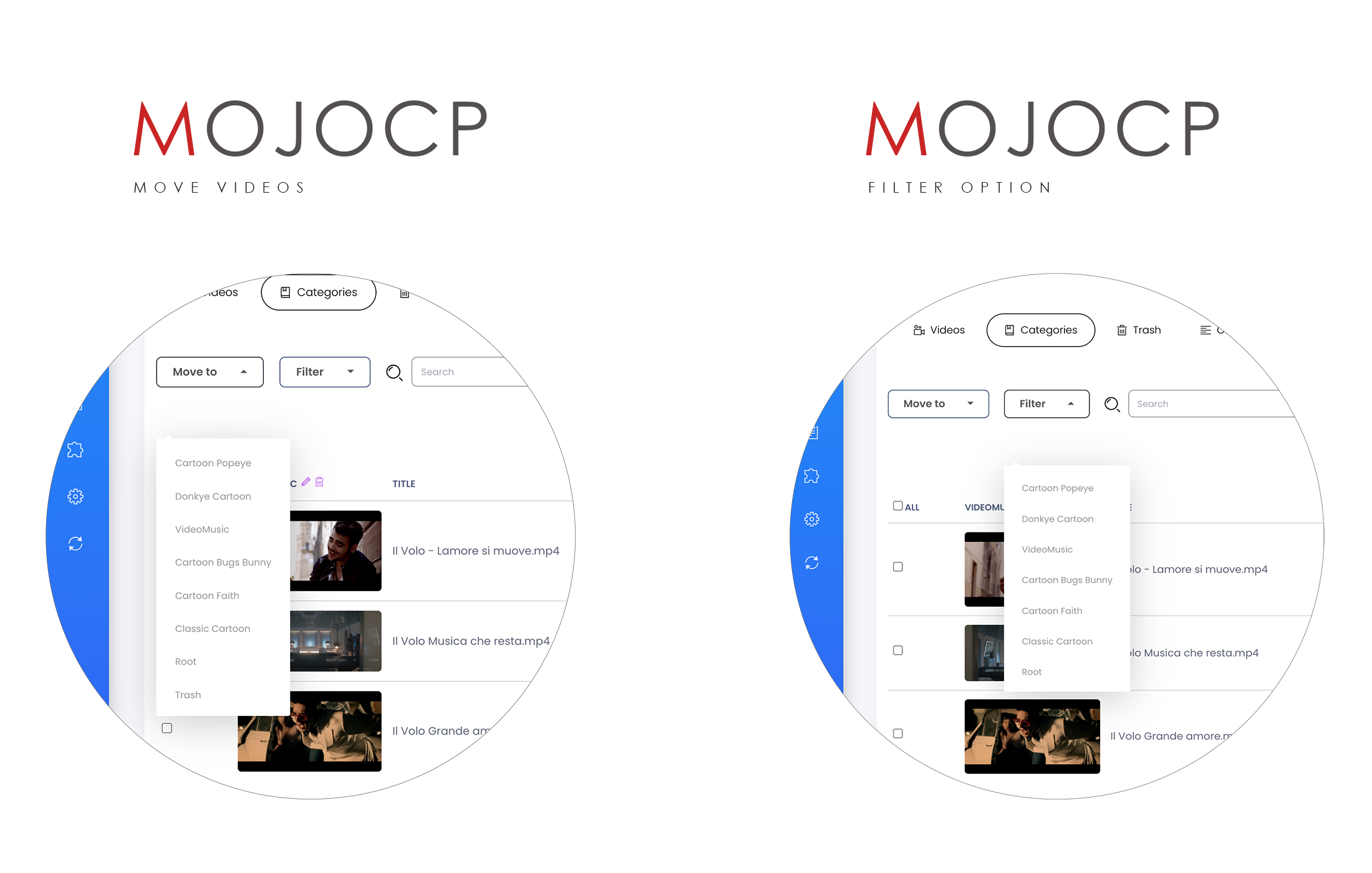
To move a video file to a different category in our Video on Demand platform, you can follow these simple steps:
- Select the video you wish to move.
- Use the ‘Move To’ feature to navigate to the desired category and select it.
- Save the changes to apply the new category.
Additionally, you can also use the filter option to select the category folder that you want to move your video to. With these easy steps, you can quickly and easily organize your video content into the appropriate categories, making it easier to manage and access your videos in the future.
Coming Soon..
Create a Category
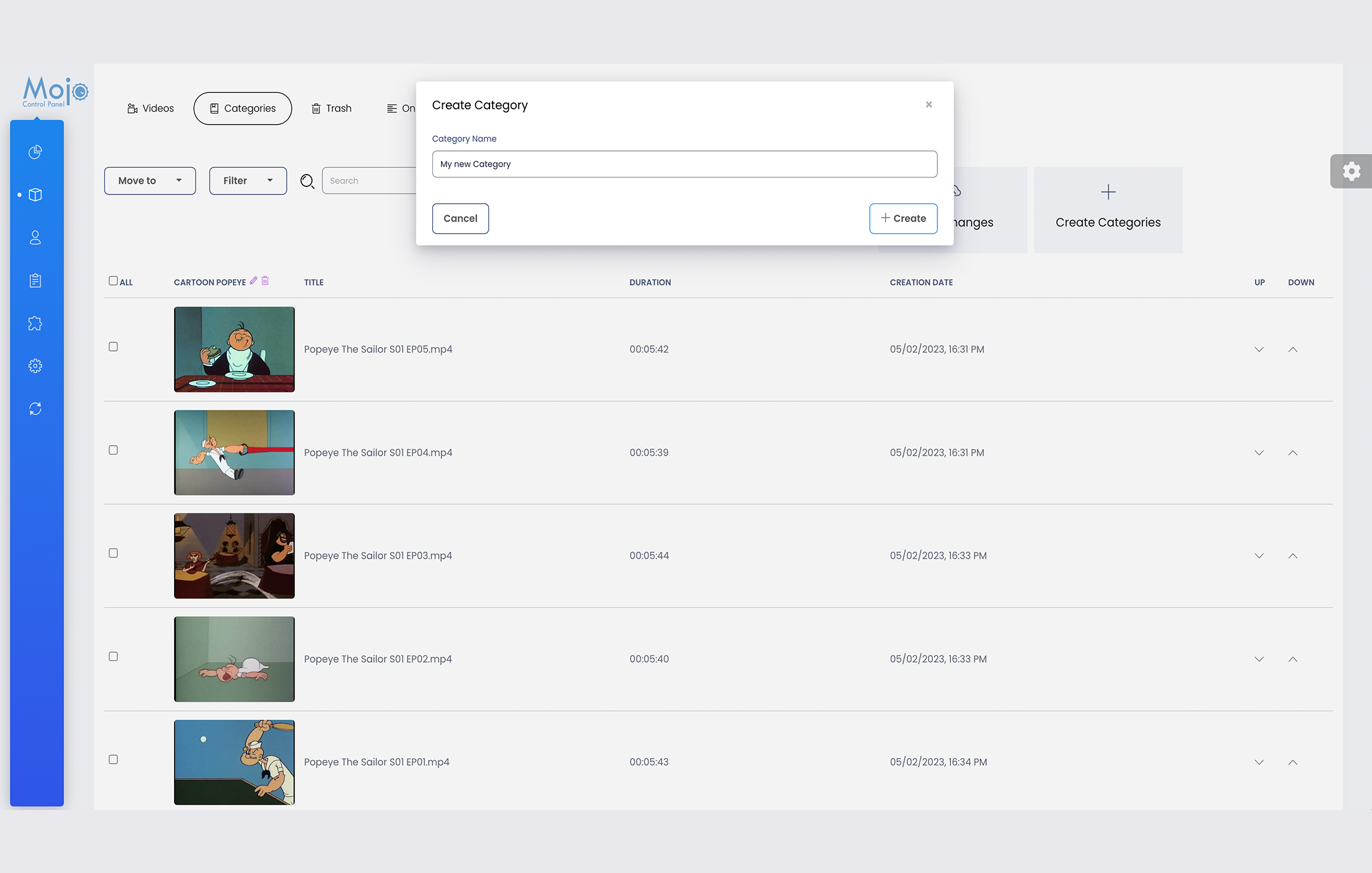
- From your overview page, navigate to the On-Demand tab.
- Select the Categories tab.
- To create a new category, click on the “Create Folder” tab.
- In the dialog box, enter the name of the new category you would like to create.
- Click on the “Create” button to create the new category.
- You can now upload your video files using any FTP program, and place them inside the new category you just created.
With these simple steps, you can easily create and manage multiple categories within your on-demand video library, making it easy to organize and access your content.
Coming Soon..
More Videos:
Video tutorials: Ondemand TV Broadcast your own internet TV. Ondemand
