
-
For Resellers
-
-
For Clients
-
-
WHMCS Integration
OnDemand Web Page
MojoCP OnDemand video page integration is the perfect solution for those looking to share their video content on their website. With this integration, you can customize the page to suit your brand, including uploading a custom logo and choosing an OnDemand name that reflects your business. This 100% customizable page integration also allows you to easily link your social media pages to your video content.
Not only does this integration make it easy for people to watch your video content, but it also provides a seamless viewing experience that keeps your viewers engaged. With the ability to customize the page to your liking, you can make sure that the OnDemand video page represents your brand and is consistent with the rest of your website. Overall, our OnDemand video page integration is a great way to showcase your video content and provide a user-friendly viewing experience for your audience.
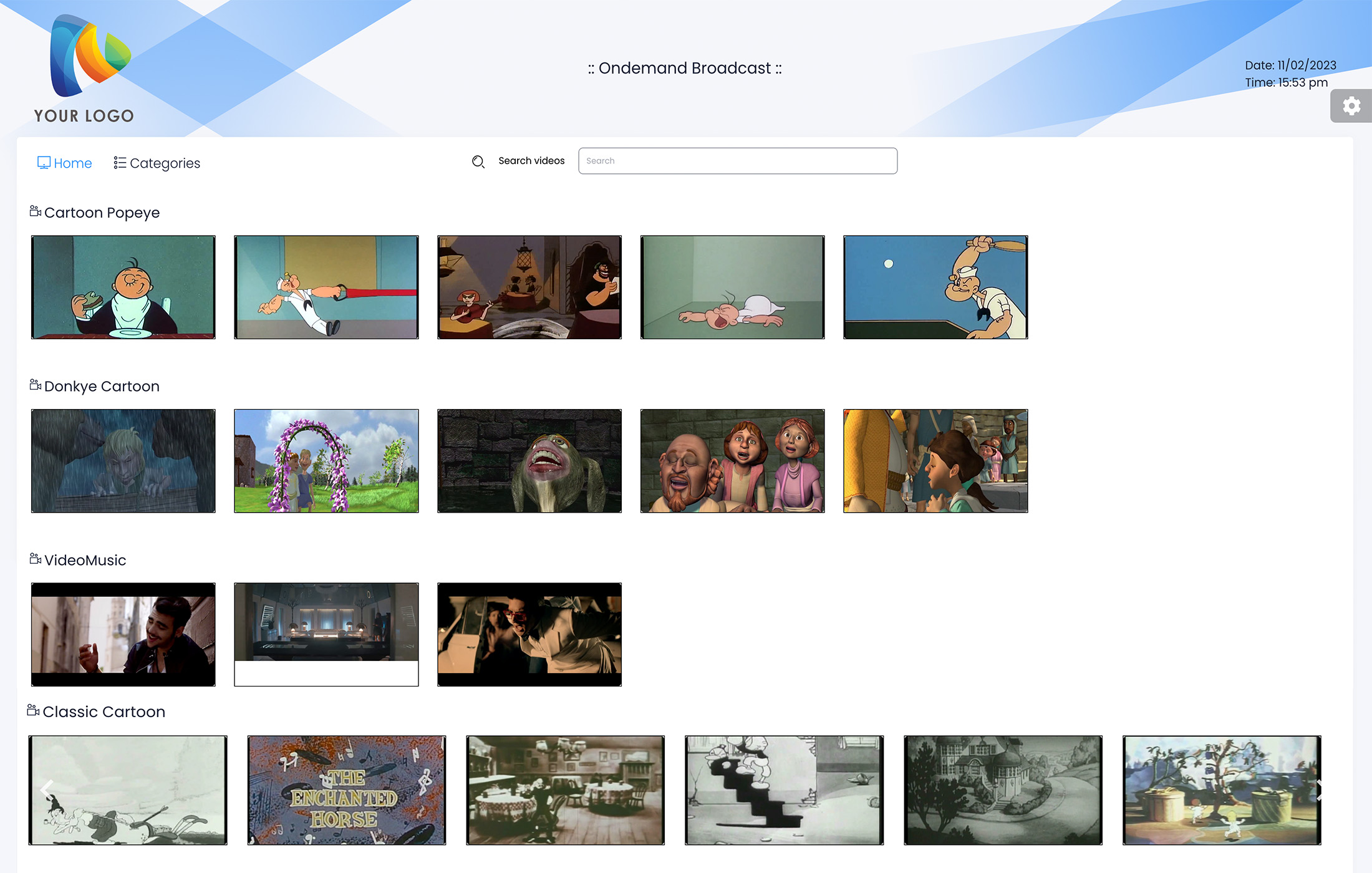
Watch OnDemand Video
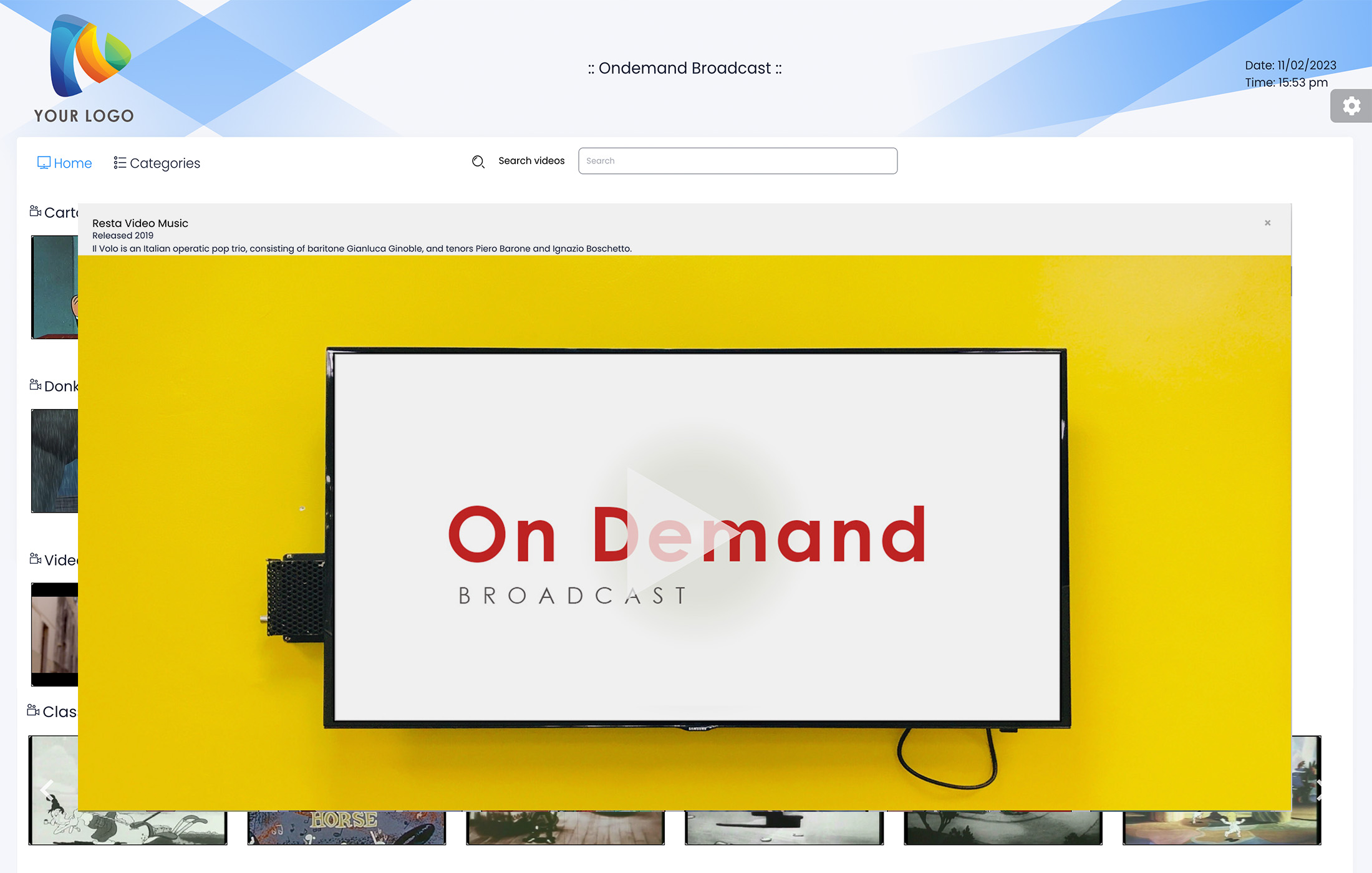
Looking for a better way to watch online video content on demand? Look no further than the MojoCP integration page video. With our integration, you can easily place your video content on your website, making it easier for your community to watch your videos – even if they’ve missed them elsewhere.
One of the key benefits of our video on demand page is the ability to choose from a variety of categories, allowing you to easily find the content you’re looking for. Whether you’re in the mood for educational content, music, or anything in between, our integration page has you covered. Plus, you can play your favorite videos at any time, giving you the flexibility to watch what you want, when you want.
Overall, our video on demand page is a great way to bring your community together and provide them with a user-friendly viewing experience. So if you’re looking for a better way to share your video content, look no further than MojoCP’s video on demand page.
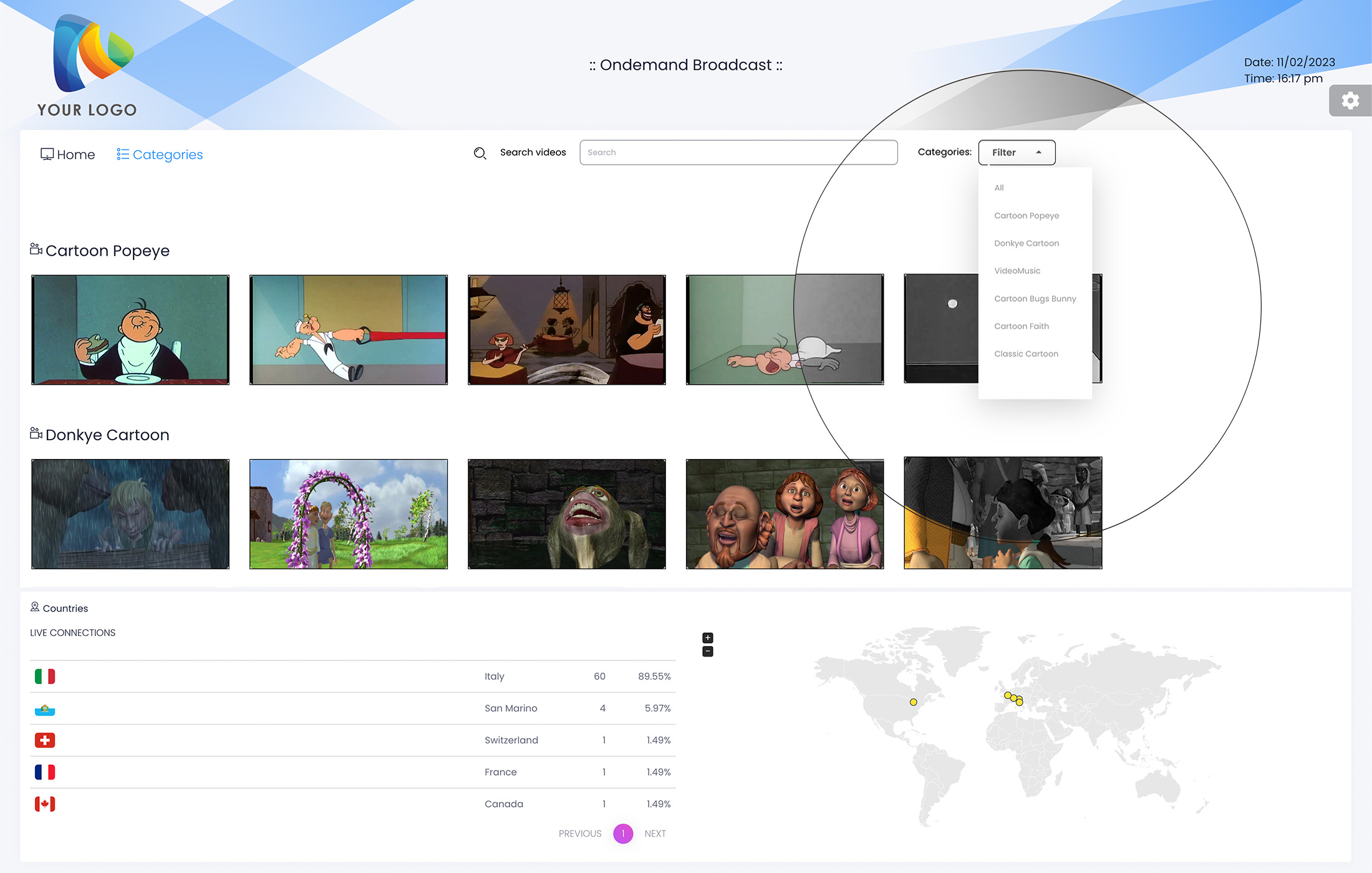
OnDemand Category
Looking for a better way to watch your favorite video content online? Look no further than the Mojo on demand page! With our intuitive design and powerful search functionality, you can easily find and watch the videos you love.
One of the key features of our on demand page is the ability to select the Category Tab, which makes it easy to find video content in specific categories. Whether you’re in the mood for music, educational content, or something else, our category tab has you covered. This makes it easy to find the content you’re looking for quickly and easily.
In addition to the category tab, our on demand page also features a powerful search function. This allows you to easily search for specific videos by keyword or phrase, giving you a better way to find the content you’re looking for.
Overall, our MojoCP on demand page is a great way to watch your favorite video content online. With our easy-to-use category tab and powerful search functionality, finding and watching the videos you love has never been easier.
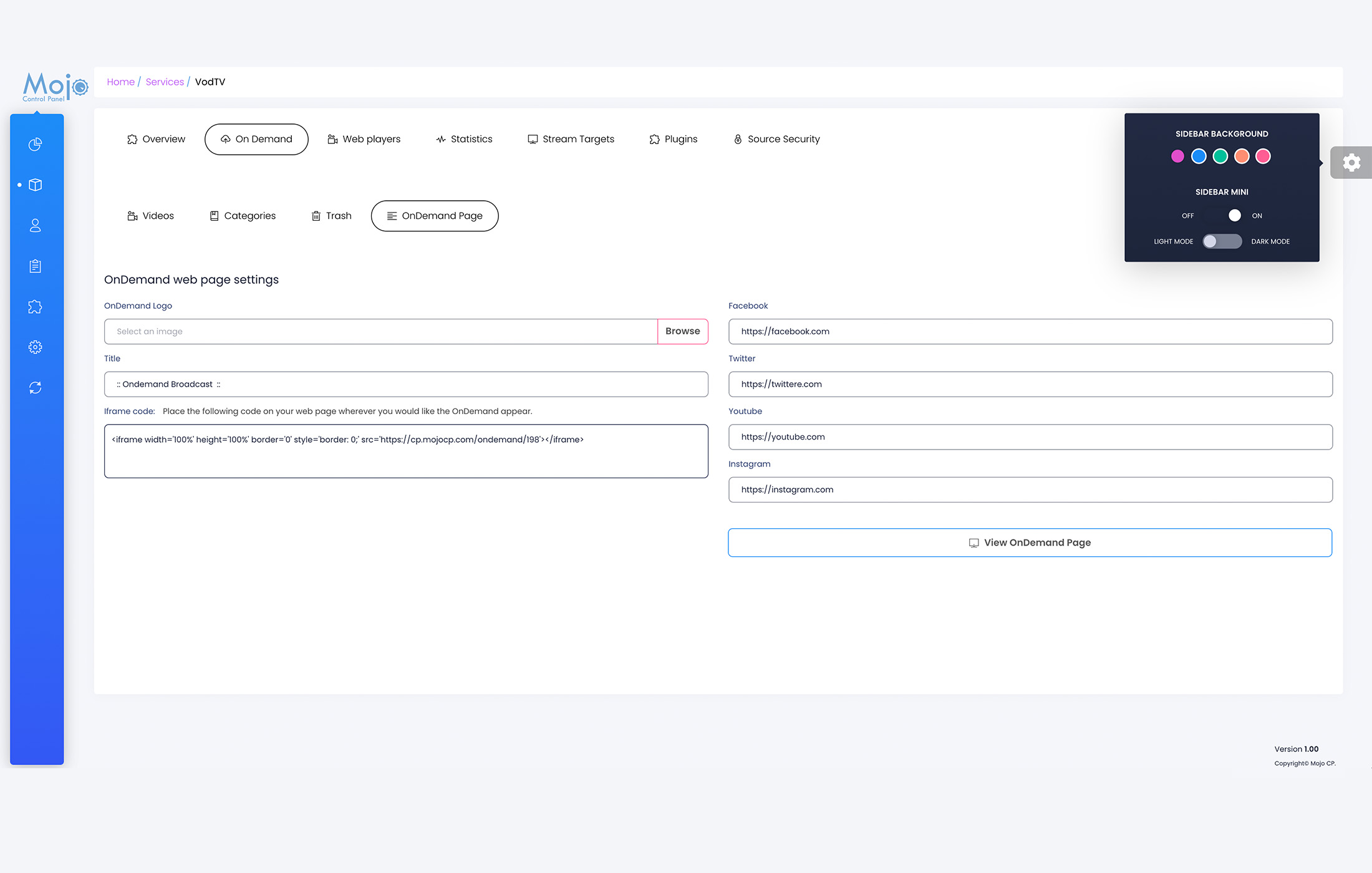
OnDemand Integration
By following these simple steps, you can easily set up your own OnDemand web page, complete with your own branding and social media links. With the iFrame code, you can easily embed your OnDemand page onto your website, making it easy for your audience to find and watch your video content.
- From your overview page, click on the OnDemand tab.
- Select the OnDemand Page option.
- Under the OnDemand Web page settings, choose your logo. The logo size should be no more than (512×512 pixels).
- Choose a title for your OnDemand broadcast page.
- Link your social media pages, such as Facebook, Twitter, YouTube, and Instagram.
- Click on the “View Web Page” button to preview your VOD web page.
- Once you’re happy with the way the page looks, an iFrame code will be generated for you.
- Copy and paste the iFrame code onto your webpage wherever you would like the OnDemand page to appear.
Coming Soon….
More Videos:
Video tutorials: Ondemand TV Broadcast your own internet TV. Ondemand
