-
For Resellers
-
-
For Clients
-
-
WHMCS Integration
ShoutCast Icecast Restream
ShoutCast Icecast Restream is a powerful audio streaming solution that enables Mojocp to deliver live audio content to a global audience. With ShoutCast Icecast Restream, Mojocp can take an audio feed from an external source, such as a radio station or audio mixer, and rebroadcast it to a larger audience using ShoutCast and Icecast streaming servers.
This solution is ideal for Mojocp because it allows the company to leverage existing audio content and distribute it more widely, reaching a larger audience of listeners. ShoutCast Icecast Restream also provides comprehensive analytics and monitoring tools that enable Mojocp to track listener data and identify trends and patterns in listener behavior.
Mojocp can use ShoutCast Icecast Restream to offer a range of audio content, from live music events to podcasting and talk radio. With the ability to support a large number of concurrent listeners and provide high-quality audio streaming, ShoutCast Icecast Restream can help Mojocp to establish a strong online presence and build a loyal audience of listeners.
Overall, ShoutCast Icecast Restream is a versatile and flexible audio streaming solution that can help Mojocp to expand its reach and build its brand in the audio content space.
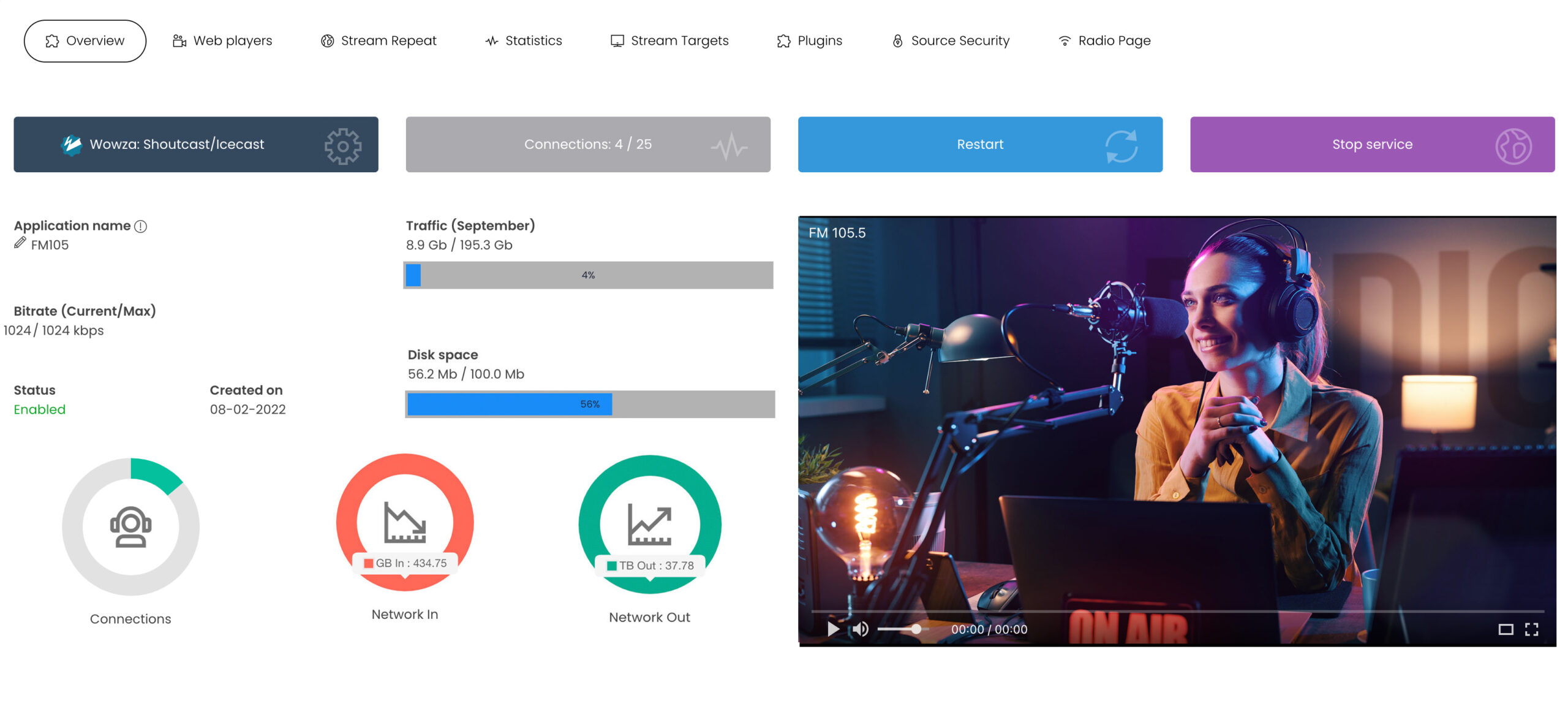
For detailed reference information regarding the overview of your Shoutcast Icecast stream, please consult the: Reference Stream Overview
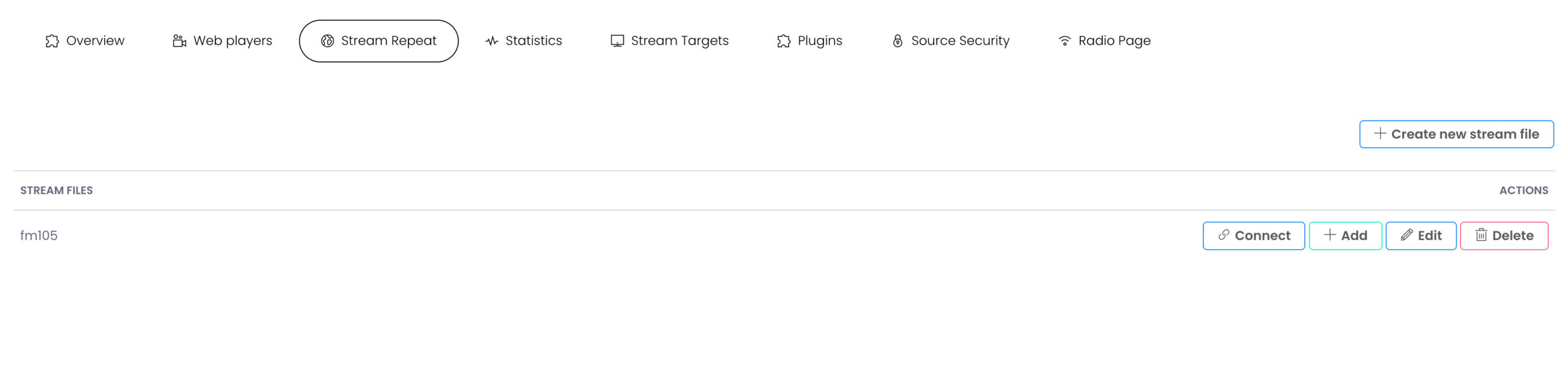
Configure ShoutCast Icecast Restream
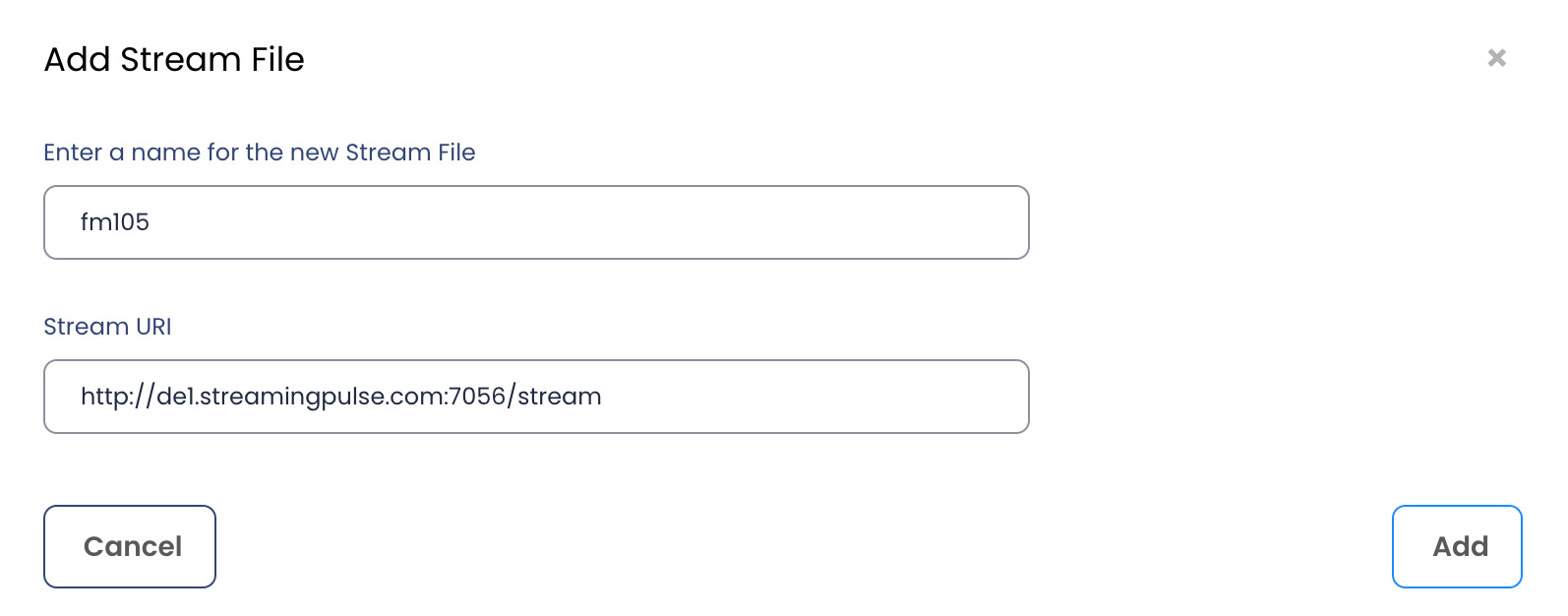
In order to add a new stream file click on “+ Create new stream” file. A popup screen will appear.
- Enter the name of your ShoutCast/Icecast stream.
- The stream URL of your ShoutCast Icecast.
- Click Add to apply the URL of your stream.
- To recreate a new stream file, ensure to remove the previews stream file. using the delete button.
- To edit and apply the new stream file, click on the Edit button.
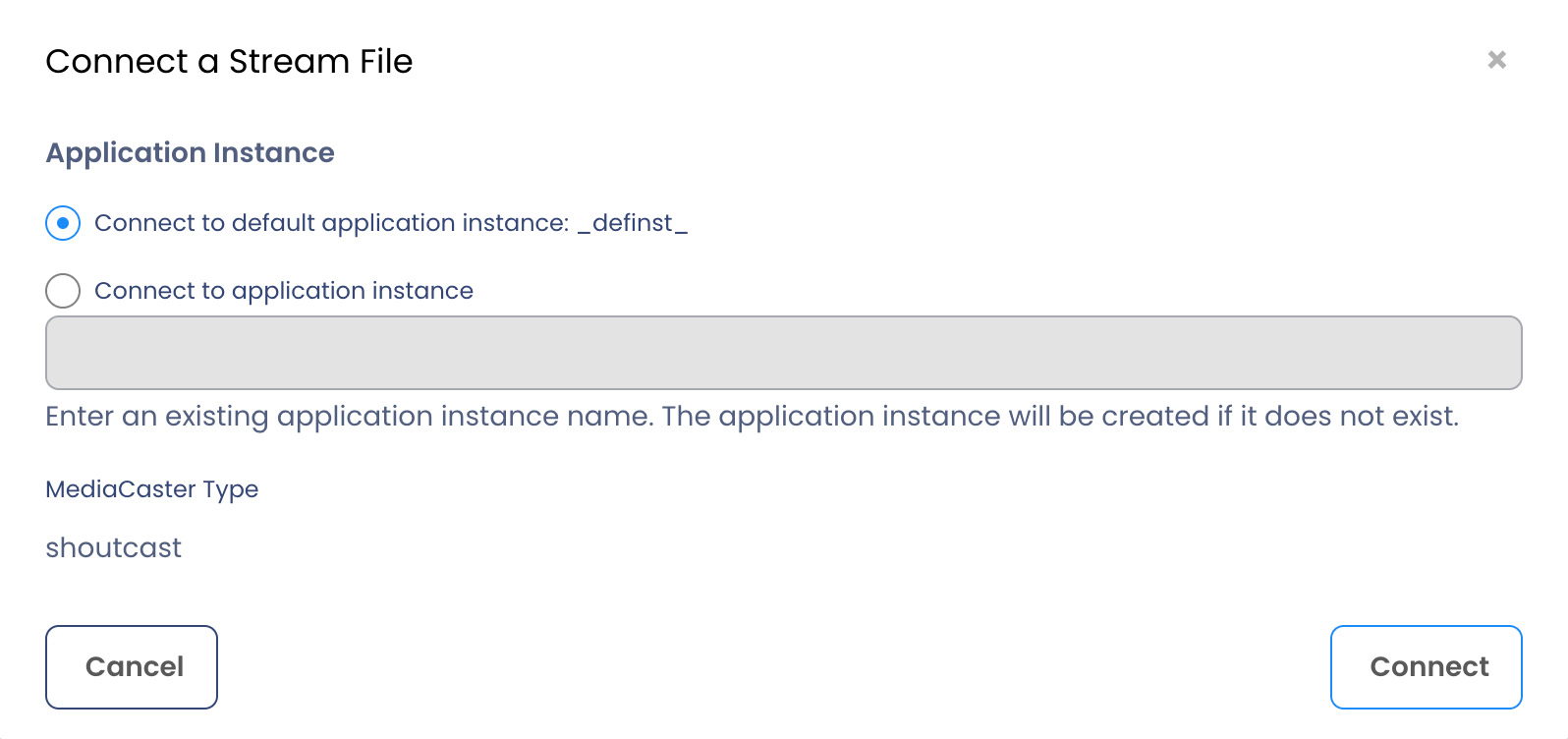
Connect a Stream File
MojoCP automatically configure and connect your stream file to the default application instance.
To apply the configurations click on the “Connect” Button to complete this action.
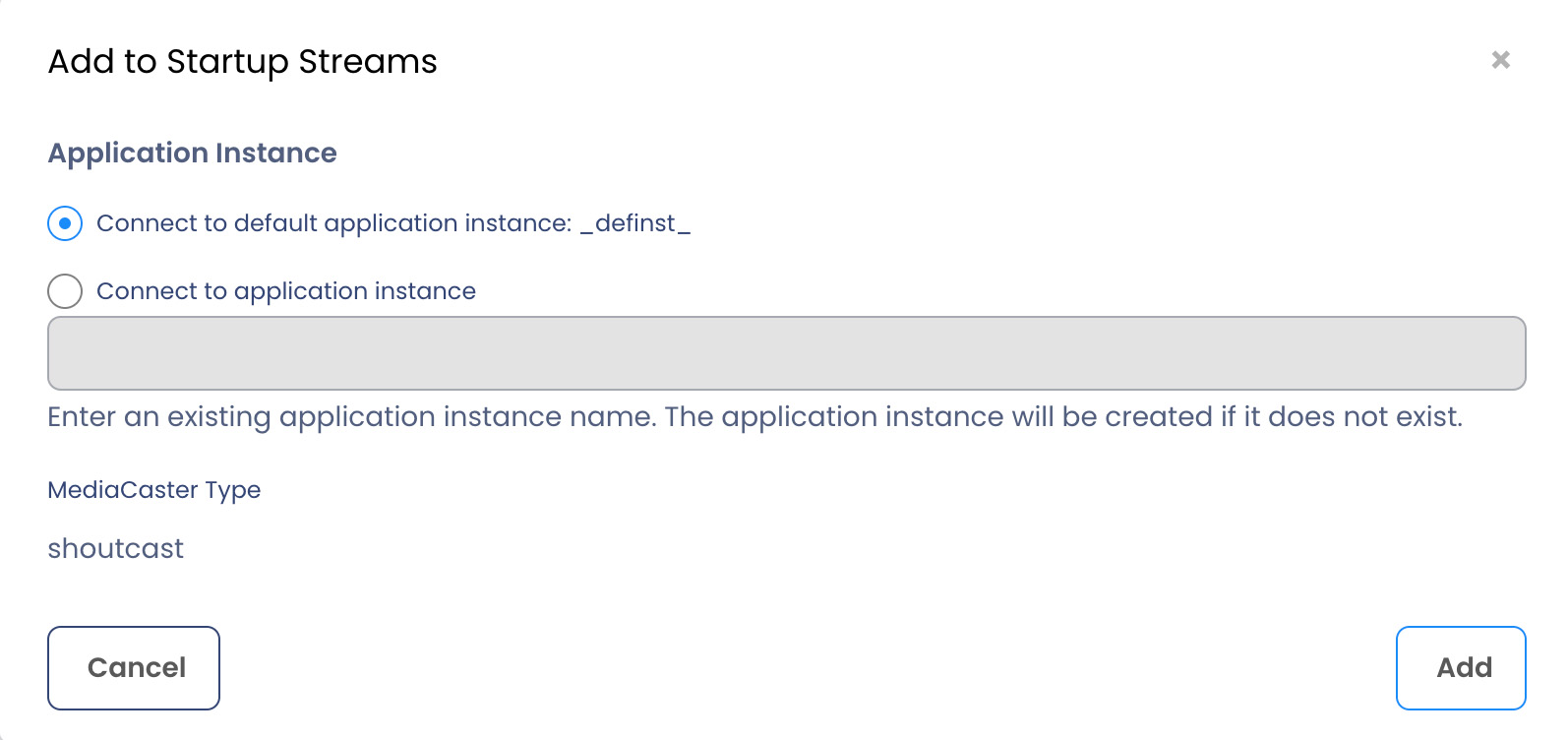
Add to Startup Streams
When the server starts, the MediaCaster system can pull streams from these sources automatically and make them available for streaming to all player technologies supported by the server. These streams must be identified in a Startup Streams list.To apply the startup click on the “Connect” Button to complete this action.