-
For Resellers
-
-
For Clients
-
-
WHMCS Integration
Apple HLS Overview
Apple HTTP Live Streaming (HLS) is a streaming protocol developed by Apple Inc. that enables the delivery of live and on-demand video and audio content to a variety of devices, including Apple devices such as iPhones, iPads, and Apple TVs, as well as non-Apple devices such as Android phones and tablets. The HLS protocol uses adaptive bitrate streaming to adjust the quality of the video or audio stream based on the available bandwidth and network conditions, providing a smoother and more reliable playback experience for viewers.
With Apple HLS, content is encoded into multiple streams of different qualities and bitrates, which are then segmented into small chunks and delivered over HTTP to the client device. The client device can then dynamically switch between different quality levels based on network conditions, device capabilities, and user preferences.
Mojocp can take advantage of Apple HLS to deliver high-quality, scalable, and reliable video and audio content to its customers. By using adaptive bitrate streaming, Mojocp can ensure that its content is delivered smoothly and efficiently to a variety of devices and network conditions, improving the overall viewing experience for its customers. Additionally, Mojocp can use HLS-compatible media servers and content delivery networks to ensure that its content is delivered quickly and reliably to viewers around the world.
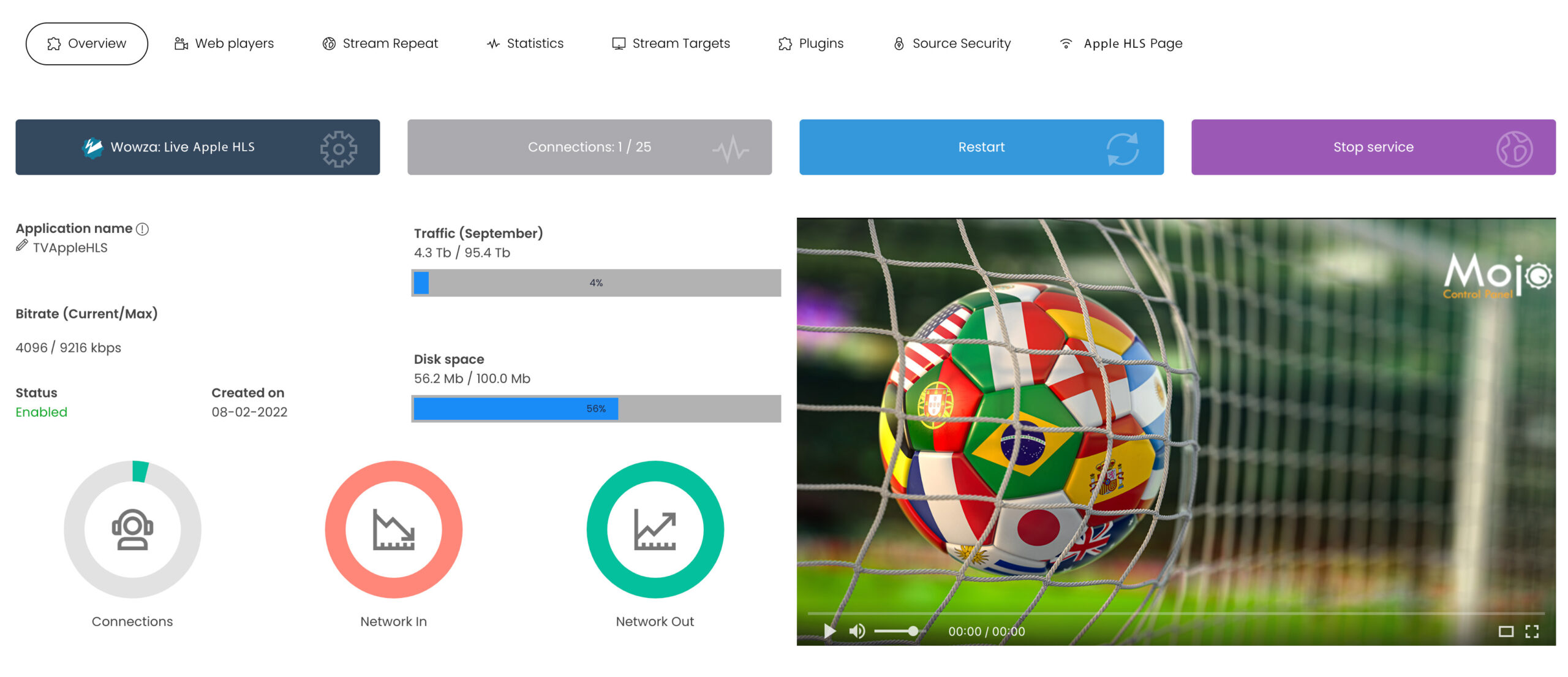
For detailed reference information regarding the overview of your IP Camera stream, please consult the: Reference Stream Overview
Configure Apple HLS Restream
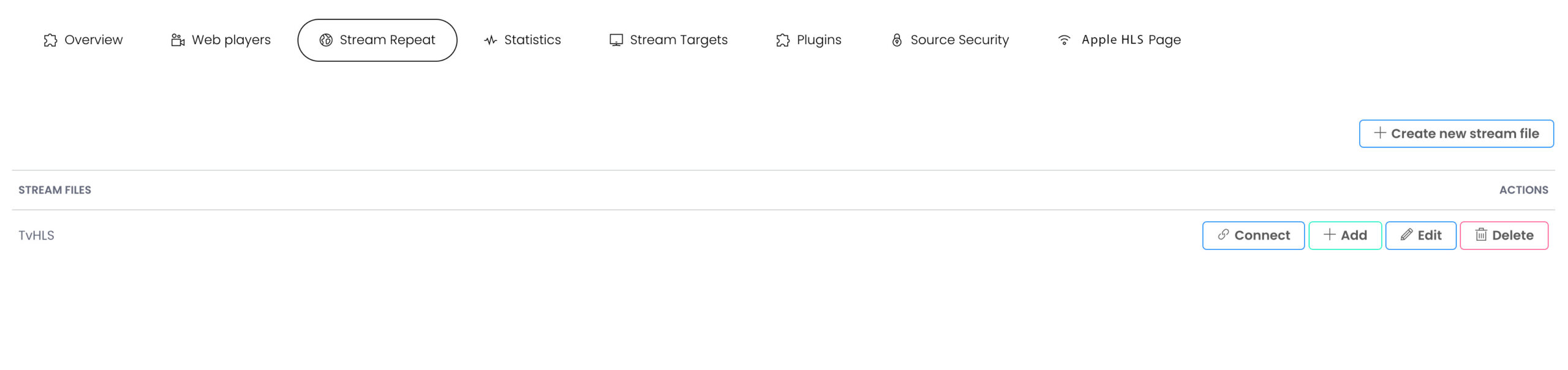
From the MojoCP Platform click on stream repeat tab, to configure your Apple HLS Restream.
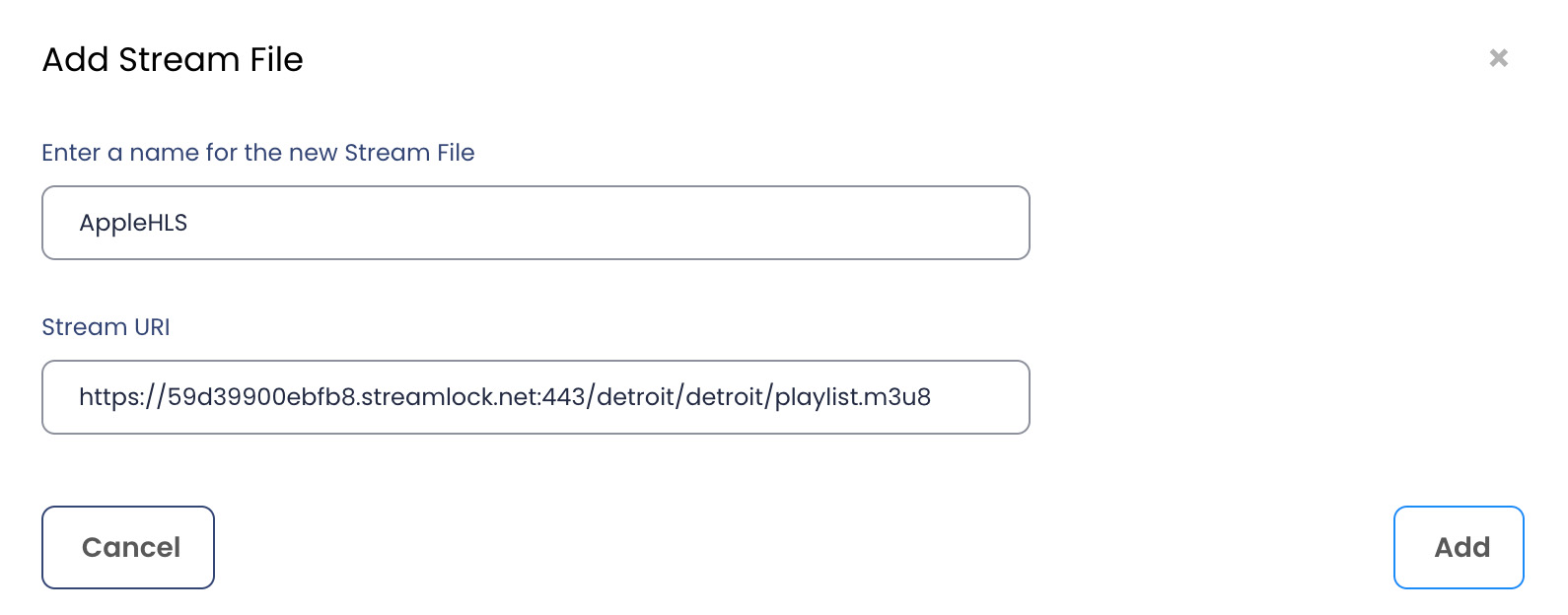
Create Stream File
- Enter the name of your Apple HLS stream.
- The stream URL of your Apple HLS.
- Click Add to apply the Apple HLS.
- To recreate a new stream file, ensure to remove the previews stream file. using the delete button.
- To edit and apply the new stream file, click on the Edit button.
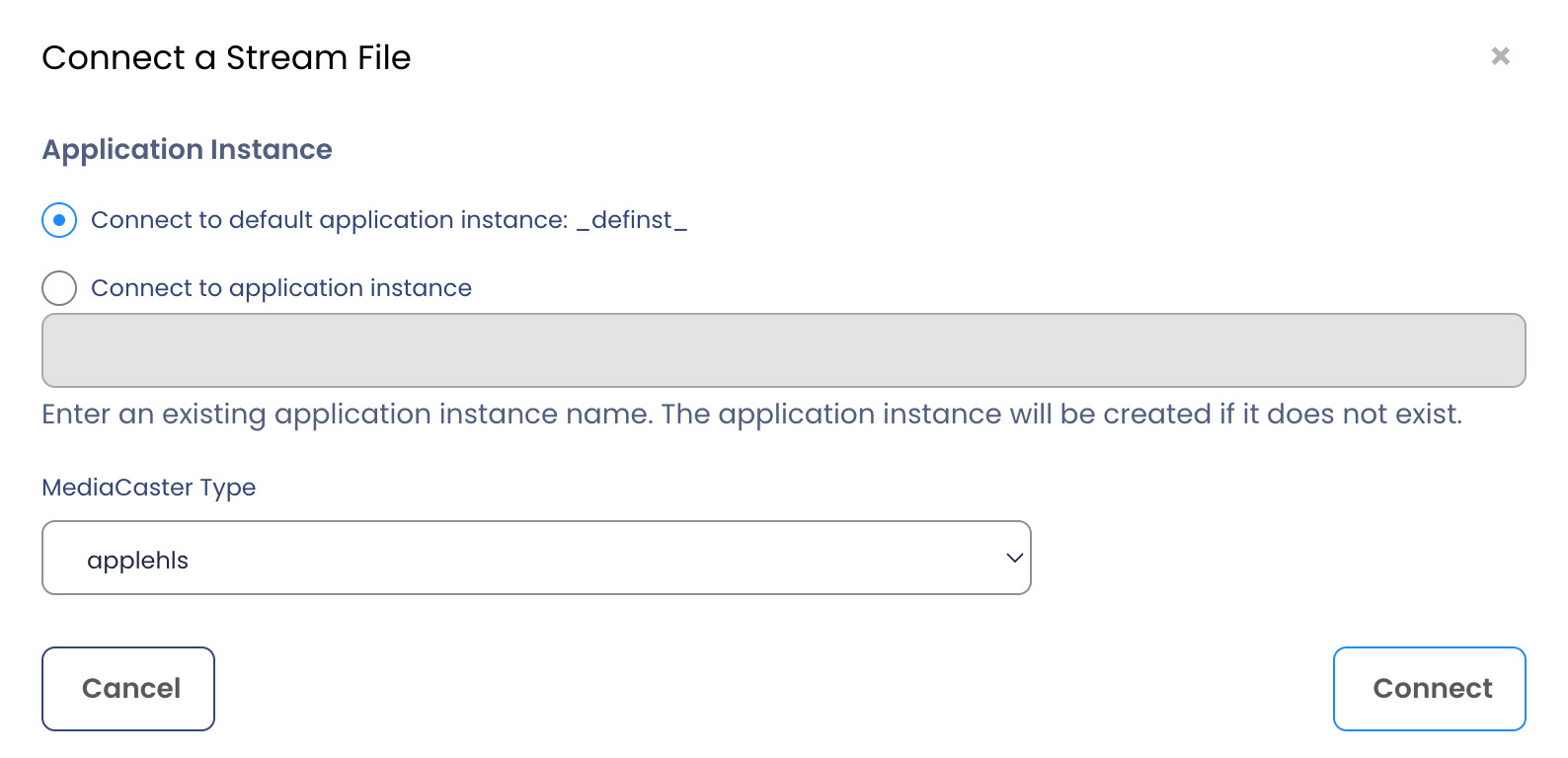
Connect a Stream File
MojoCP automatically configure and connect your stream file to the default application instance.
To apply the configurations select the media caster type “applehls” click on the “Connect” Button to complete this action.
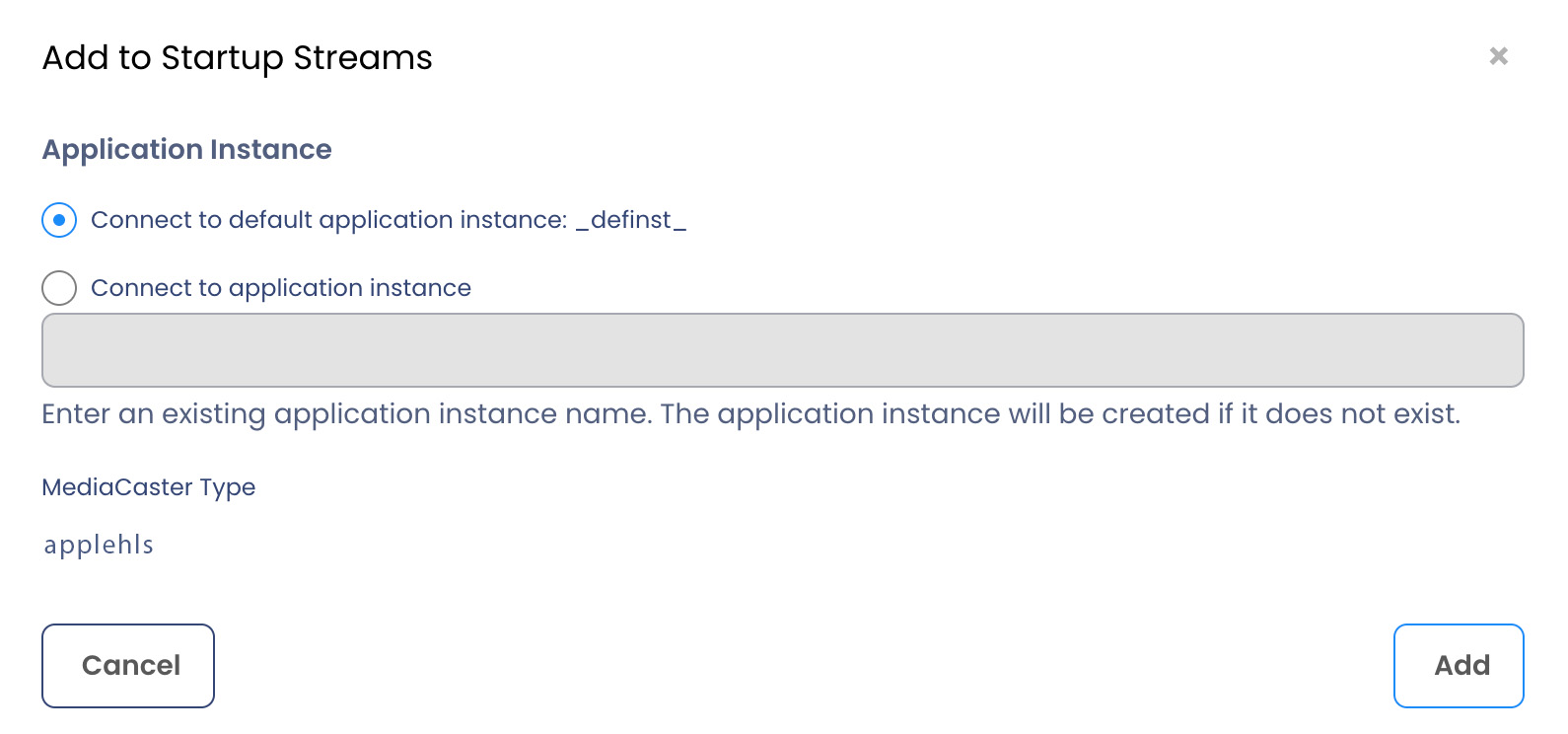
Add to Startup Streams
When the server starts, the MediaCaster system can pull streams from these sources automatically and make them available for streaming to all player technologies supported by the server. These streams must be identified in a Startup Streams list.To apply the startup click on the “Connect” Button to complete this action.