
MojoCP Documentation
-
For Resellers
-
-
For Clients
-
-
WHMCS Integration
Table of Contents
< All Topics
Print
Posted
Updated
Byadmin
Default Playlist
Easily navigate through MojoCP’s default playlist, schedule and organize videos to best suit your audience with our easy-to-follow tutorial.
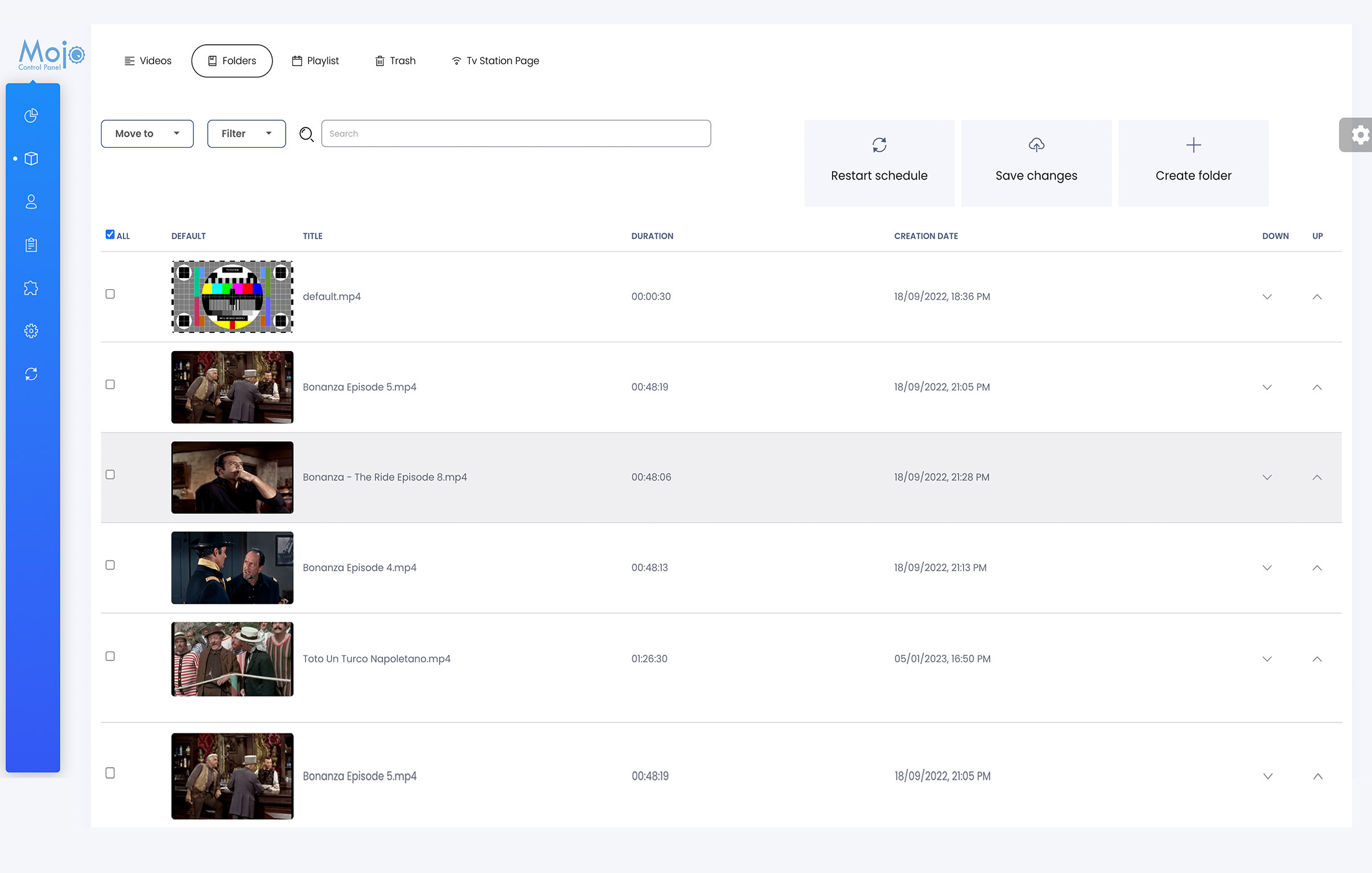
Default Playlist Schedule
- From your dashboard, click on services and select your server.
- From your Overview page, click on the Cloud TV Tab, and the Folders Tab.
- From the Drop Down menu Filter, choose the Default Category.
- From your right screen, use, the arrow up and down to move your video to play in a Sequential order.
- In this video I will use the default video, to start first on my default playlist, by positioning the video default at the top of the Category.
- Click save once you are done and restart the schedule to apply the change.
More Videos:
Video tutorials: Cloud TV Broadcast your own internet TV station. CloudTV.
