
MojoCP Documentation
-
For Resellers
-
-
For Clients
-
-
WHMCS Integration
Table of Contents
< All Topics
Print
Posted
Updated
Byadmin
Create a Category
The categories feature, gives you the function to create and organize your video and commercials by categories. The ‘Move To’ feature gives you quick access to move around your selected videos to a different category.
- From your dashboard, click on services and select your server.
- From your overview page click on the Cloud TV Tab.
- Select the Folder Tab.
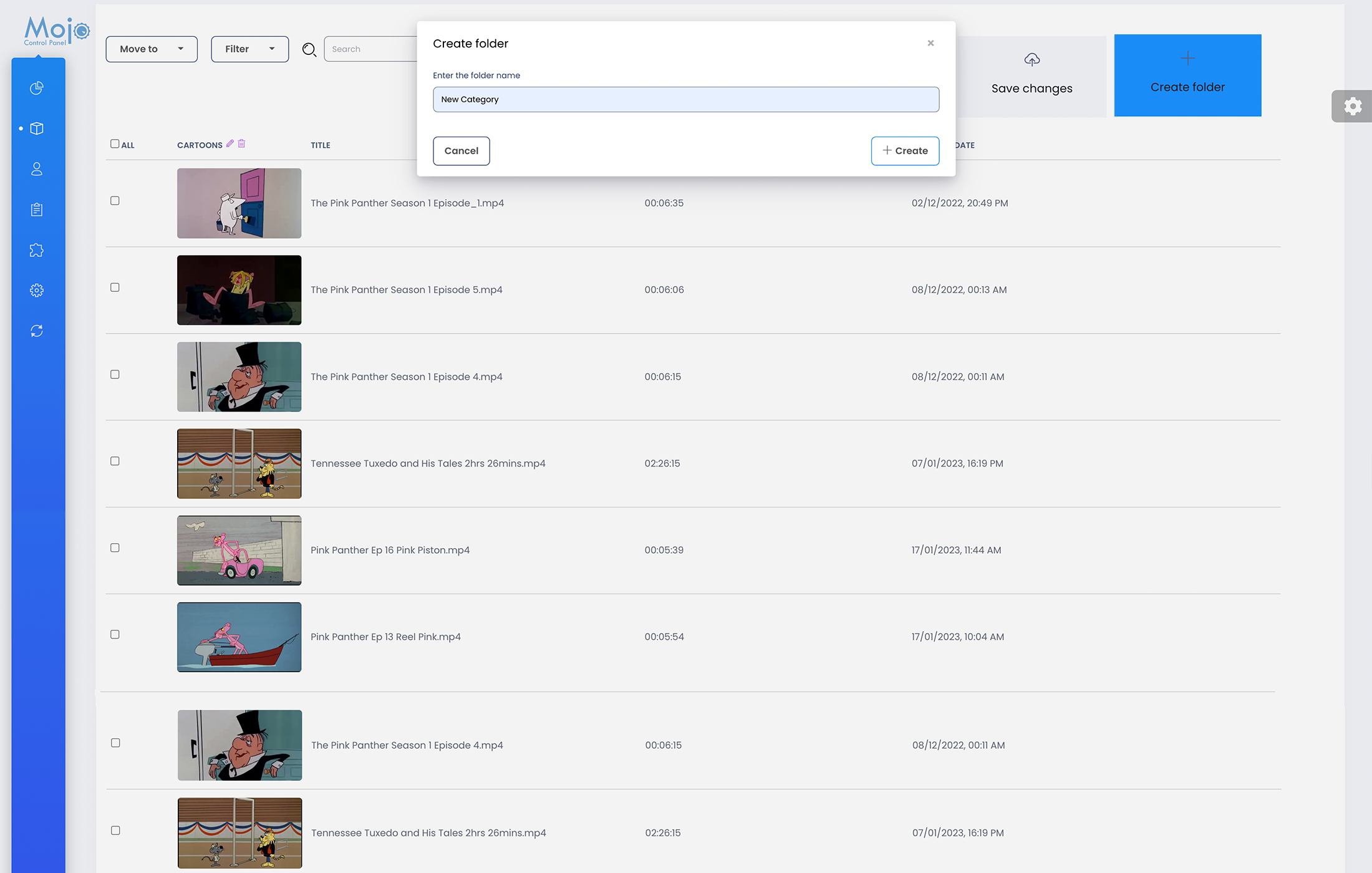
- To create your first Category, select the Create Folder Tab.
- In the dialog box, type In the Category Name you would like to use. and click Create.
- Now you are ready, to upload your video files using any FTP program, inside the Movie Category, you just Created.
More Videos:
Video tutorials: Cloud TV Broadcast your own internet TV station. CloudTV.
