
MojoCP Documentation
-
For Resellers
-
-
For Clients
-
-
WHMCS Integration
Table of Contents
< All Topics
Print
Posted
Updated
Byadmin
Rename Category
The Rename video category feature on MojoCP allows users to change the name of their existing video categories. This is a simple process that can be done by selecting the category, clicking on the rename option, and entering the new name. This feature allows users to easily update the name of their video categories, making it more meaningful and easy to find. The new name will be reflected across the platform and ensures that the videos are organized in a way that makes sense for the user. It also helps users to keep track of their videos and make any necessary updates.
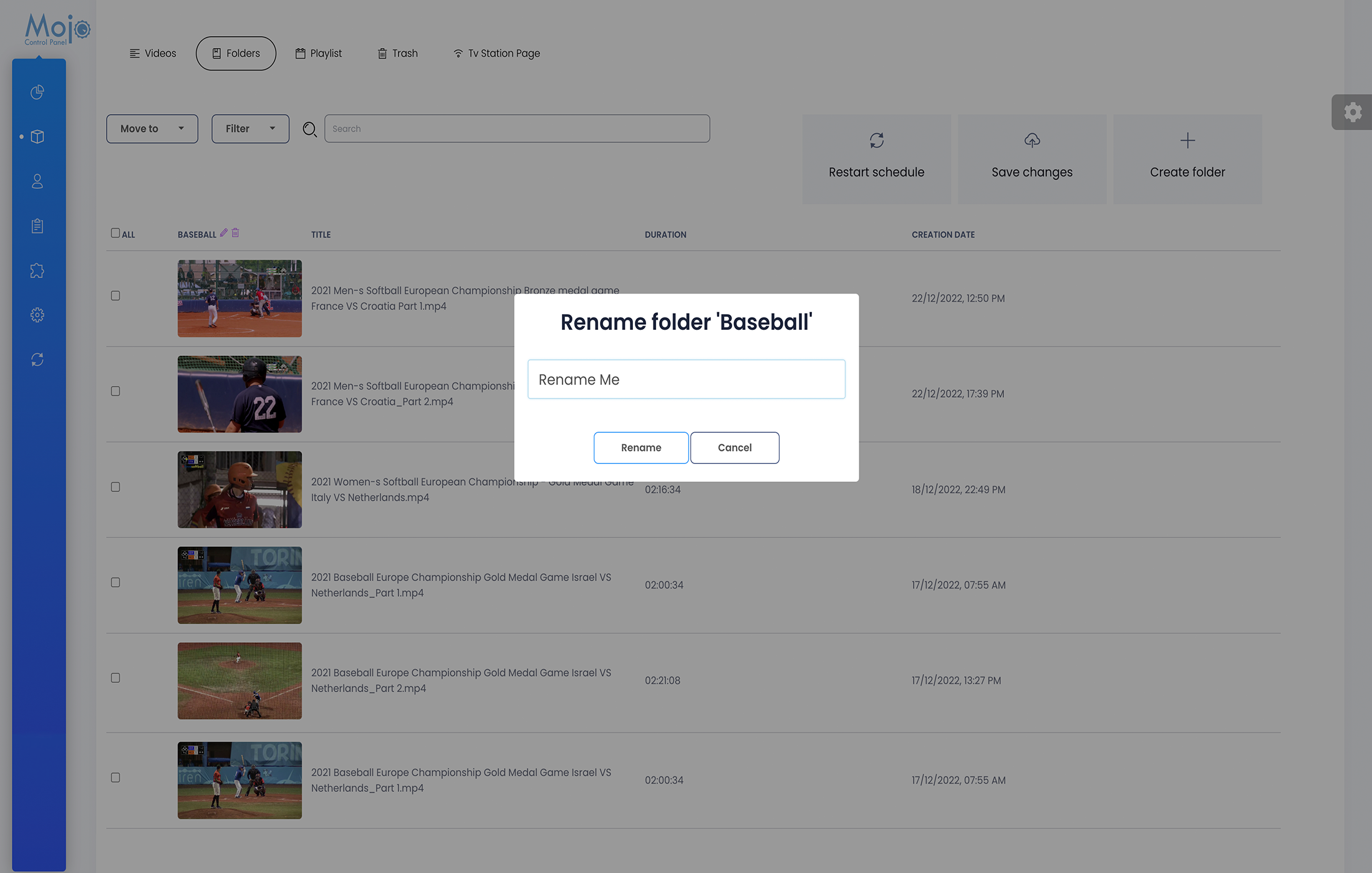
- From your dashboard, click on services and select your server.
- From your overview page, click on the Cloud TV Tab, and then the Folders Tab.
- Select the category you would like to rename.
- Click on the pencil icon, to rename.
- On the dialog box type the new category name and click save to update the categor
More Videos:
Video tutorials: Cloud TV Broadcast your own internet TV station. CloudTV.
