
MojoCP Documentation
-
For Resellers
-
-
For Clients
-
-
WHMCS Integration
Table of Contents
< All Topics
Print
Posted
Updated
Byadmin
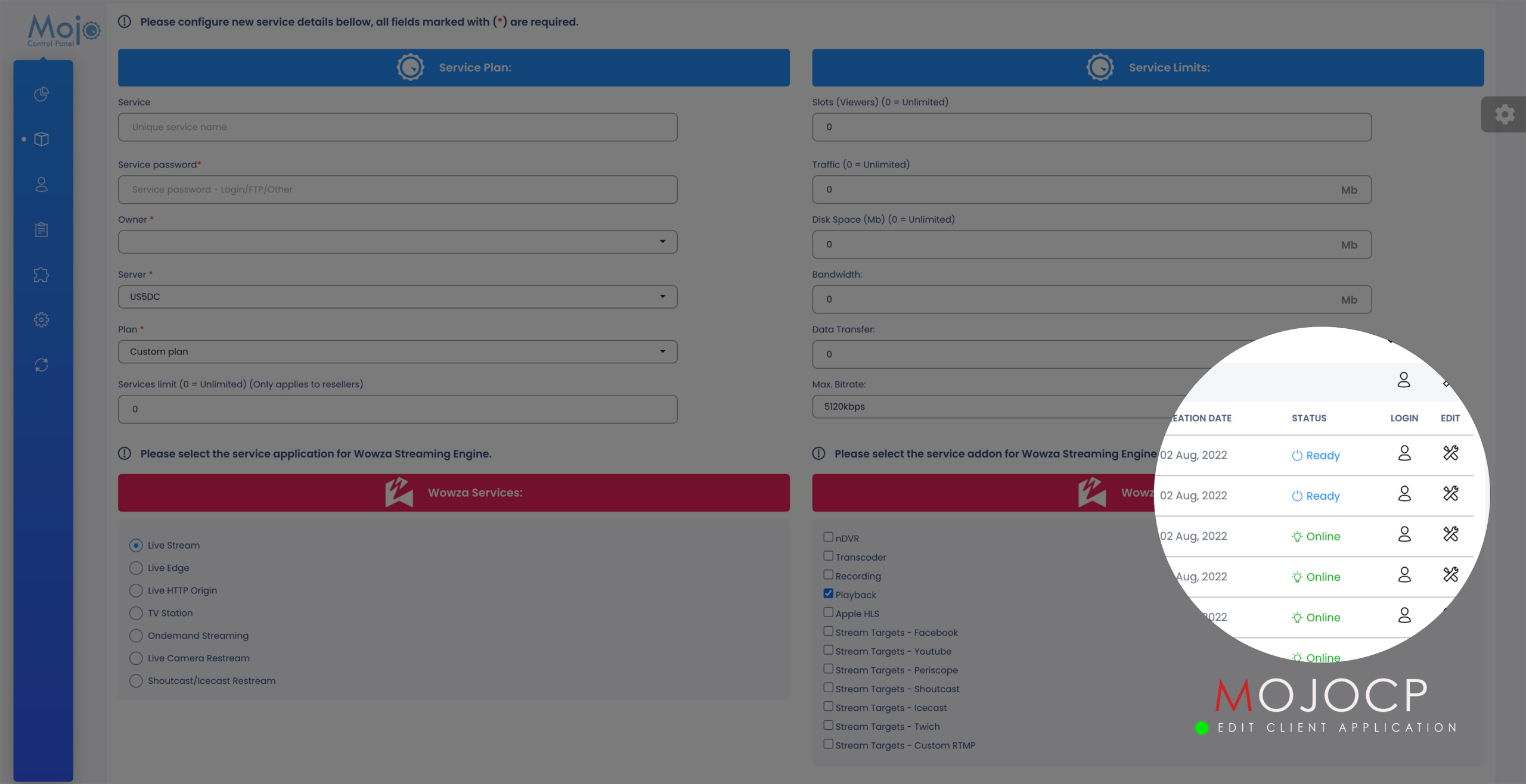
Edit Application
To edit your client’s application on Mojocp, follow these steps:
- Log in to your Mojocp reseller account and go to the “Services” section.
- Locate the application that you want to edit and click on the tools icon to access the editing options.
- Under the “Service Plan” section, you can select a different plan from the dropdown list or modify the values under “Service Limits” and “Wowza Features”.
- Once you have made the desired changes, click on the “Save” button to apply them.
- It’s important to note that the application will automatically restart to apply the changes, so make sure to notify your client of the possible service interruption during this process.
Coming Soon…
More Videos:
Video tutorials: Reseller Guide for your reseller account. Reseller Guide
